Choose a cosplay printer by fitting your actual costume files at wearable scale. Investigate the ELEGOO Neptune 4 Plus for a larger build envelope, the Neptune 4 Max when specific parts need still more room, and the Bambu A1 when your designs fit its smaller envelope or you are comfortable assembling sections.
This is a researched buying guide based on manufacturer documentation, not a hands-on test or measured ranking. Recommendations below are our interpretation of the documented features and the stated use case.
Price check: October 9, 2026 (UTC). Listed US-dollar prices are observations from manufacturer product pages, before tax and any shipping or import charges. They are not checkout quotes or a guarantee of stock. Select the exact variant and delivery address before comparing totals.
We could not verify the current A1 US price or stock. The ELEGOO prices below refer to the current Type-C listings, not every older machine sharing the same family name.
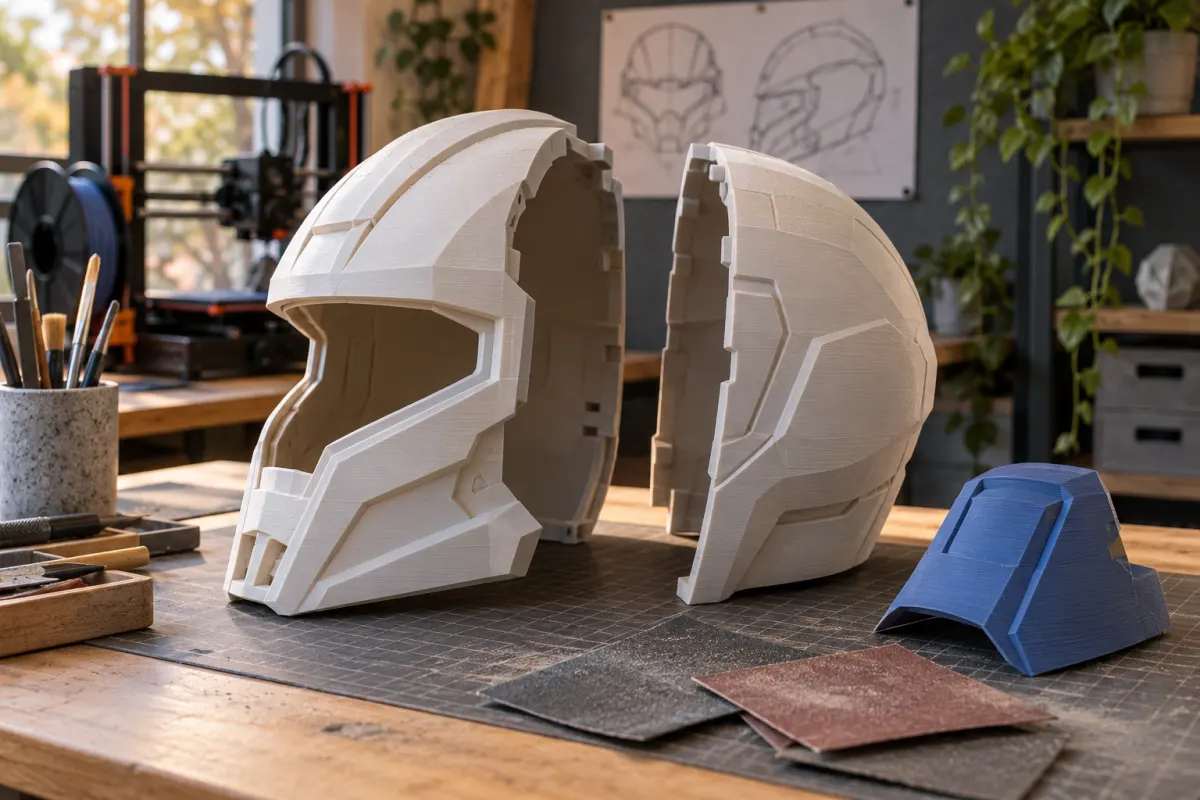
Three different build envelopes to compare
| Printer | Build volume | Observed US price | Reason to investigate |
|---|---|---|---|
| Bambu Lab A1 | 256 × 256 × 256 mm | Not verified | Smaller props and designs intentionally split into pieces |
| ELEGOO Neptune 4 Plus, Type-C | 320 × 320 × 385 mm | $309 | Larger shells that fit comfortably in this profile |
| ELEGOO Neptune 4 Max, Type-C | 420 × 420 × 480 mm | $389 | Specific large parts that justify its much larger workspace |
The measurements come from Bambu’s A1 documentation, the Neptune 4 Plus listing, and the Neptune 4 Max listing. They are nominal limits, not a promise that every helmet of a given size prints successfully in one piece.
Helmet geometry, head size, padding, brims, and supports change usable fit. The cheapest model that matches a catalog photograph may not match your own costume file.
Fit the wearer before fitting the printer
Start with the model's intended units and scale. Establish the required inside space using the designer's sizing instructions and the wearer's measurements. Allow for the planned lining or padding and the route used to put the piece on; an opening can be more restrictive than the widest interior.
For an illustrative shell with an outside bounding box of 285 × 250 × 310 mm, that orientation exceeds the A1's nominal limits. It falls within the Plus's nominal envelope before supports and margins. This example does not establish that the shell fits a particular person or that every part of its print setup fits.
Print a small sizing section before a full shell when the design permits it. Use our STL sizing guide to catch unit errors, and keep wearable dimensions separate from the dimensions used to check printer capacity.
Treat splitting as a design choice
A larger printer can avoid some seams, but splitting can still produce a more convenient orientation or make finishing easier. The PrusaSlicer Cut tool supports separating models and adding alignment connectors. Choose a seam location that works with the design rather than cutting at the midpoint automatically.
Compare the whole project: printing time, support contact on visible faces, joining, filling, sanding, and repainting. A hidden seam beneath a decorative band may be easier to manage than a heavily supported outer surface. There is no single best orientation for every helmet or prop.
Make a small sample of the joint and finish before committing to many sections. Our orientation guide and support guide explain the tradeoffs. A nominally larger build volume is useful only if avoiding the joint actually improves your workflow.
Large bed printers need a large operating area
The Neptune Max's manufacturer page lists a maximum machine activity size of 658 × 950 × 960 mm, including rack and tray. That is a much more revealing planning figure than its 420 mm build width. Check the latest manual and allow access for handling and maintenance.
A large moving bed also carries the growing object through its full travel. Do not put tools, unfinished props, or wall-mounted items in that space. Plan a stable location before ordering; shifting the machine around between costume projects can make a cramped setup frustrating.
Compare the entire work area, including assembled-prop storage and finishing space. If the large printer consumes the only usable bench, a smaller printer plus planned sections may suit you better. The desk-space checklist helps turn this into a measured decision.
Budget the prop, not only the machine
Suppose a hypothetical finished shell uses 650 g and its supports, brim, and test pieces use another 250 g. At an illustrative $20 per kg, the 900 g material total is $18. If a failed 300 g attempt is added, the project consumes 1.2 kg and material rises to $24.
Add the finishing supplies, straps, fasteners, padding, and any purchased model license needed for your actual build. None of those allowances is captured by the printer price. A single-piece shell that fails late may consume more material than a failed small section, but your actual design and process determine that risk.
The observed Plus-to-Max printer difference is $80 before tax and delivery. Decide whether your near-term files use that extra envelope, and include any furniture needed to accommodate it. Avoid paying for a hypothetical giant project while leaving the first costume underfunded.
Choose a machine for the next three projects
Shortlist the A1 if the saved files fit or have sensible assembly seams and the rest of its workflow appeals to you. Confirm its actual price before comparing total ownership cost.
Shortlist the Plus when the 320 mm square meaningfully reduces splitting and you can accommodate its operating area. Shortlist the Max only when larger specific parts and your workspace justify it. Both current listings call out Type-C revisions, so match spare parts to that version.
These recommendations concern costume and display objects. A printed cosplay helmet is not certified protective headgear, and we do not assess it for impact protection. Follow the venue's prop rules and the instructions for your chosen finishing products. Finish by saving three sliced projects and their budgets; they are more useful purchase evidence than the largest number on the box.
Sources & further reading
- Bambu Lab: A1 specifications and AMS lite bundle
- ELEGOO US: Neptune 4 Plus, Type-C version
- ELEGOO US: Neptune 4 Max, Type-C version
- PrusaSlicer: Cut tool and assembly connectors
Manufacturer guidance can change. Check the instructions for your exact printer, build surface, and filament.