 Illustration
Buying guides
Anycubic Kobra 4 vs. Kobra X: which should you buy?
Compare the Kobra 4, Kobra 4 Combo, and Kobra X by included color hardware, drying, project size, and complete purchase cost.
Clear comparisons for printers, filament, and the tools around them. Start with what you want to make, then check the features, compatibility, and total cost.
Compare complete starter costs, operating space, build volume, and the features your projects need.
IllustrationCompare the Kobra 4, Kobra 4 Combo, and Kobra X by included color hardware, drying, project size, and complete purchase cost.
 Illustration
Decide whether larger parts, active chamber heating, and a different color-feeder generation justify choosing the S1 Max over the S1.
 Illustration
Check the printer, feeder generation, included connection parts, spool dimensions, and material path before buying or upgrading an Anycubic ACE.
IllustrationCompare the larger open Kobra 3 Max V2 Combo with the enclosed S1 Max using actual model fit, material requirements, and bundle contents.
IllustrationCompare current US printer listings, realistic starter allowances, and the checkout total for a first PLA setup under $300.
 Illustration
Choose between the A1 mini and A1 using your actual models, workspace, and multicolor plans—not just a price difference.
IllustrationCompare the ELEGOO Centauri Carbon 2 Combo and Creality K1C 2025 around usable build space, material workflow, and total cost.
IllustrationCompare the A1 mini and K1C 2025, then measure the full operating space, spool access, and maintenance room before buying.
 Illustration
Compare A1 AMS lite and ELEGOO CANVAS bundles, calculate the real premium, and account for color changes, waste, and workspace.
 Illustration
Match an A1, Neptune 4 Plus, or Neptune 4 Max to your actual costume files, with examples of splitting, finishing, and project cost.
IllustrationCompare the current MK4S kit and assembled offer, then weigh the price difference against assembly time, learning, and project deadlines.
Compare exact material grades, spool formats, drying equipment, and the cost of stocking up.
IllustrationDecide whether high-speed PLA can help your actual prints using flow demand, model geometry, and a simple cost comparison.
IllustrationSeparate SUNLU standard and High Speed PLA+ variants, check conflicting specifications, and choose a sensible first sample.
IllustrationEvaluate PLA-CF by nozzle wear, material data, feeder compatibility, finish, and the true cost of a first spool.
IllustrationChoose a gradient or changing viewing-angle effect, then match the filament to your model size, finish, and color expectations.
IllustrationCompare SUNLU PLA, Bambu PLA Basic, Polymaker PLA Pro, and Prusament around price, profiles, purpose, and spool format.
IllustrationChoose SUNLU drying capacity by active spools, storage routine, real dimensions, and verified US package prices.
IllustrationCompare SUNLU, Polymaker, and Prusament PETG using exact formulations, delivered cost, storage needs, and plate compatibility.
IllustrationCompare PolyFlex TPU95, Bambu TPU 95A HF, and TPU for AMS without confusing hardness scales or automatic-feeder compatibility.
IllustrationCompare multipacks, reusable-spool refills, and large reels, including the new Prusament refill format and an honest break-even calculation.
IllustrationCompare PolyDryer boxes, Prusa USS Drybox, and storage-kit essentials by capacity, feeding needs, and total setup cost.
Plan organizers, fasteners, magnets, adhesives, and painting supplies around the object you want to make.
IllustrationPlan one drawer, choose a printable baseplate and bin set, and buy only the filament and optional hardware your Gridfinity design requires.
IllustrationMatch an insert to your game edition, sleeves, box, printer, and storage orientation before committing to a full set of printed trays.
 Illustration
Choose fasteners from actual project requirements: diameter, pitch, length, head shape, nut pocket, and useful quantities instead of assortment size.
IllustrationChoose magnets for adult hobby projects by pocket dimensions, separation, polarity, and retention—not just a pull-force headline or magnet grade.
IllustrationCompare cyanoacrylate, two-part epoxy, and mechanical fasteners for printed parts, with cure-time checks and a small-sample selection process.
IllustrationBuild a small finishing kit with preparation tools, compatible primer and paint, masking supplies, and product-specific workspace requirements.
Weigh used equipment, cloud dependence, and upgrades against the cost of another machine.
IllustrationCompare the real cost of a used or refurbished 3D printer, including inspection, missing parts, warranty evidence, returns, and repair risk.
 Illustration
Compare cloud printing, local-network control, and removable-media workflows. Check activation, cameras, updates, and account requirements separately.
IllustrationDecide whether an upgrade or another printer solves your actual bottleneck, with a workload checklist and an illustrative ownership-cost comparison.
Check fit and compatibility before adding a tool, plate, nozzle, camera, or spare part to your cart.
IllustrationCompare measuring range, stated accuracy, data output, and jaw access before buying calipers for printed parts.
IllustrationCompare CNC Kitchen and ruthex insert systems and assemble a compatible kit for threaded printed projects.
 Illustration
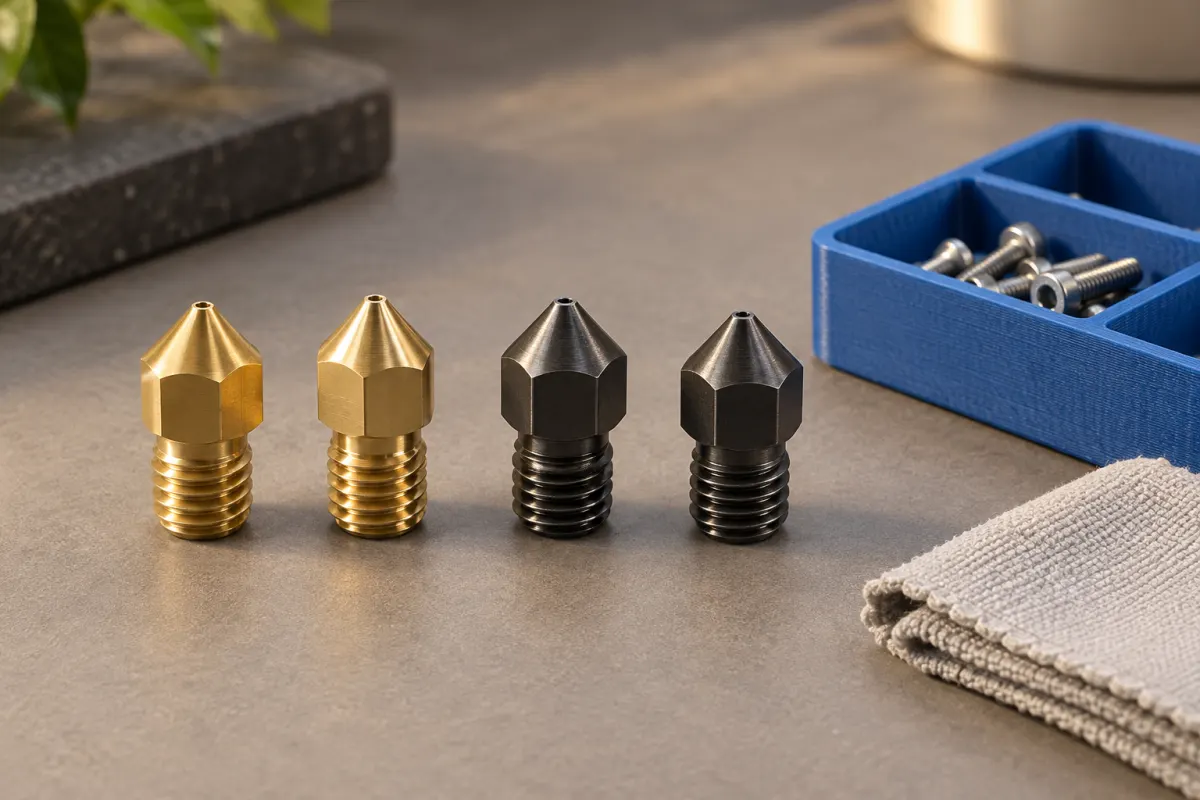
Choose nozzle material for your filament, then verify the hotend interface and supported profile.
 Illustration
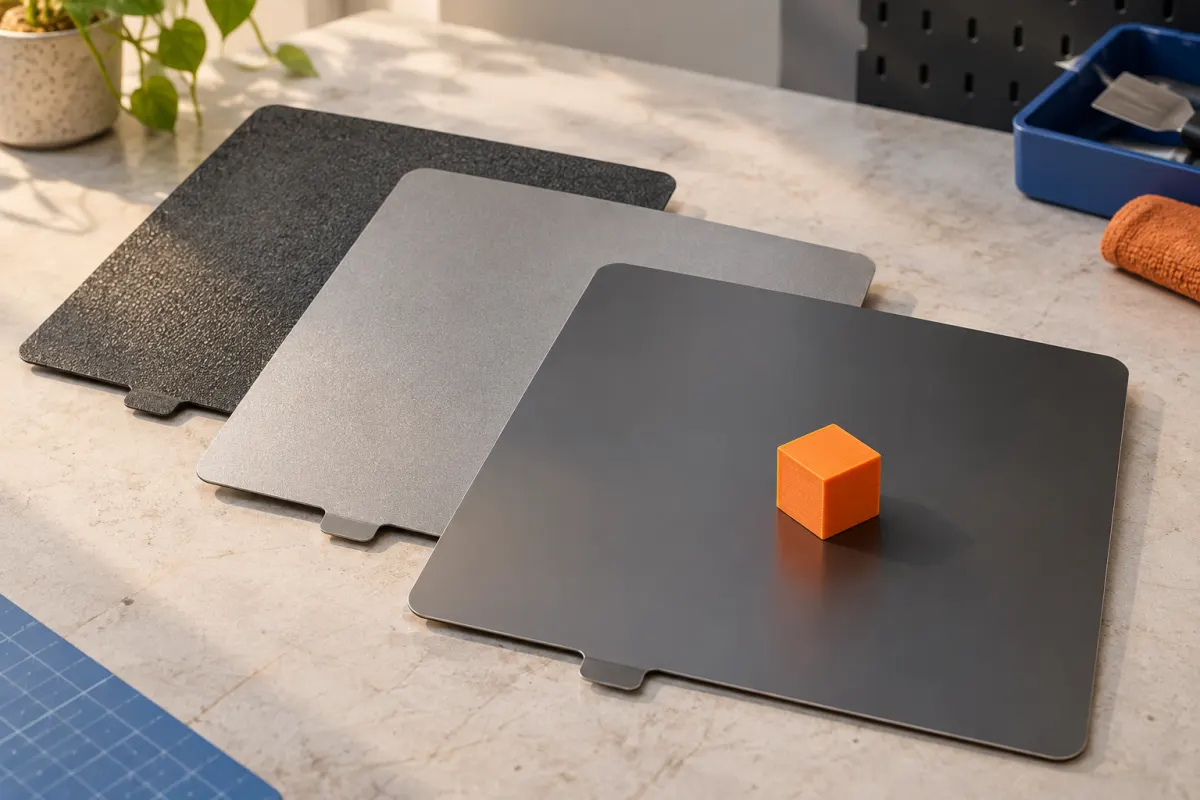
Compare Bambu Textured PEI and Cool Plate SuperTack while checking geometry, material compatibility, and care.
IllustrationCompare replaceable swivel blades and ceramic scrapers for accessible edges, light flash, and repeat cleanup.
IllustrationCompare Buddy3D and Raspberry Pi camera options, including field of view, hosting, remote access, and ongoing costs.
IllustrationChoose exact replacement parts and compare consumables kits, bare hotends, and complete assemblies.
New to the hobby? Decide what you need before comparing individual products.
IllustrationBuild size, materials, maintenance, and the features that matter when you are starting out.
IllustrationBuild a small, useful toolkit before spending money on upgrades and accessories.
IllustrationSeparate moisture removal from dry storage, then compare equipment around your materials, spools, and printing routine.
IllustrationCompare detail, flow limits, compatibility, and profile changes before buying a larger nozzle for your filament printer.