For small printed enclosures, brackets, and replacement knobs, start with a 150 mm digital caliper with published accuracy and a readable display. Consider iGaging OriginCal 100-700-06 if optional data output matters; compare Mitutoyo 500-196-30 if you want that documented measuring platform and do not need output from this particular model.
These are specification-based candidates, not tools we have tested. Choose by the measurements your projects require. A longer range, extra decimal place, or familiar brand does not by itself solve an awkward measurement.
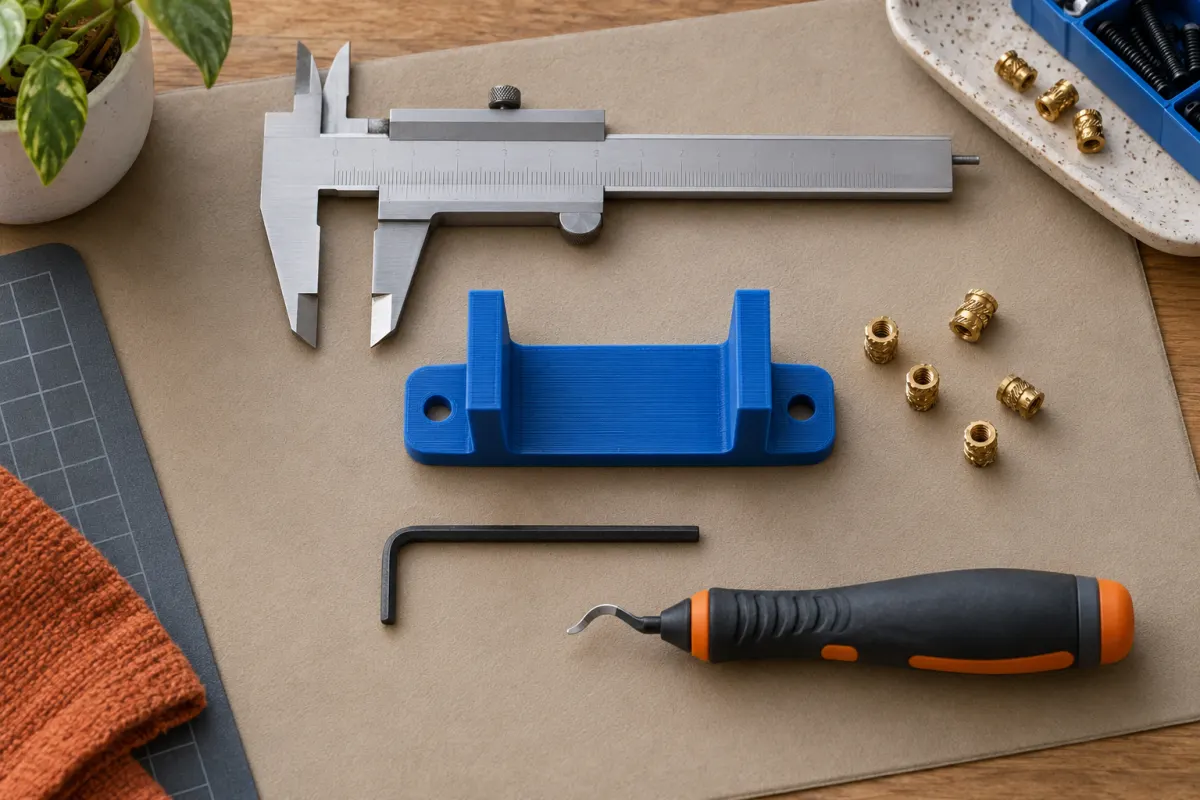
Compare exact models, not the brand name alone
| Model | Published metric specification | Buying distinction |
|---|---|---|
| iGaging OriginCal 100-700-06 | 150 mm range; 0.01 mm resolution; stated accuracy ±0.02 mm | IP54 model with optional data-transfer accessories |
| Mitutoyo ABS Digimatic 500-196-30 | 150 mm class; 0.01 mm resolution; see separate error specifications below | This order number has no SPC data output |
The specifications come from iGaging’s model table and Mitutoyo’s caliper catalog. Check the exact order number on the quote: neighboring models can change range, output, or jaw details. We have not verified current delivered prices, stock, or which successor part a local distributor may offer.
If the quote substitutes a model, restart the feature comparison with its own documentation. A product photograph or the words “six-inch digital” are insufficient identification.
Check the listing for the exact iGaging OriginCal 100-700-06 model, seller, and current purchase terms.
We may earn a commission if you buy through links marked “paid link.” How our links work. As an Amazon Associate I earn from qualifying purchases.
View iGaging OriginCal 100-700-06 on Amazon (paid link)Resolution is not measurement accuracy
Resolution describes the display increment. A screen that changes by 0.01 mm does not establish that every displayed dimension is within 0.01 mm of its actual value. Instrument error, contact, alignment, temperature, and the part's surface all affect the result.
Mitutoyo’s catalog distinguishes partial surface contact error, EMPE, from shift error, SMPE. The 150 mm class entries give ±0.02 mm and ±0.04 mm respectively. Do not replace those separate specifications with a blanket claim of ±0.02 mm for every measuring mode. iGaging lists accuracy more simply; those descriptions are not evidence of identical performance in every use.
For example, two hypothetical readings of 20.00 and 20.01 mm do not prove that two printed parts differ reliably by 0.01 mm. Repeat the measurement, compare contact locations, and judge whether that tiny difference matters to the intended fit.
Check range and jaw access against real projects
Before choosing a size, list three objects you expect to measure: the outside width of a case, the depth of a recess, and the opening around an existing object. Write the largest relevant dimension beside each. A 150 mm caliper cannot directly span a 180 mm tray; a longer version is appropriate if that is a regular measurement.
Range is only one limit. Inside jaws need room to enter the opening and contact useful surfaces. A depth rod needs access and a stable reference face. Tiny holes, rounded corners, flexible walls, and textured surfaces can defeat an otherwise adequate caliper.
Use a ruler for rough overall sizing and reserve the caliper for features where finer control helps. Do not buy a very long instrument solely because it seems more capable if almost every job involves a small knob or spacer.
A matching example: a drawer divider
Suppose a hypothetical drawer opening is about 143 mm wide and you want a removable printed divider. Both compared 150 mm models cover that span, assuming the jaws can reach the relevant surfaces. Measure at the front, middle, and back; the opening may vary more than the instrument's display increment.
Record those readings rather than reporting only the largest one. Decide which surface locates the divider, allow appropriate clearance in the design, and print a short fit sample before the full part. This is a design process, not a prescription to subtract one universal clearance.
Our tolerances and fit guide explains how to turn measurements into a useful fit experiment. The caliper helps collect evidence; it cannot choose the fit for you or compensate automatically for printing variation.
Buy data output only when you will use it
Entering a handful of measurements manually is usually manageable. If you repeatedly log batches of parts, output may reduce transcription work. The OriginCal instructions list separate USB, wireless, and Bluetooth accessories; do not assume a caliper purchase includes them.
Check the adapter, receiving software, operating system, units, and export format as one system. A connector on the tool is not a promise that any ordinary USB cable will work. For Mitutoyo, select an explicitly output-equipped order number if that function is required; the compared 500-196-30 is not one.
Include a protective case, appropriate replacement battery, and any calibration or verification service you actually need in the purchase comparison. A home hobbyist measuring noncritical organizers has different documentation needs from someone accepting production components.
Who should buy now, and who can wait?
Buy now if you design around existing objects, check mating features, or need repeatable dimensional records. Keep your current tool if it already covers your range and produces consistent, credible measurements. Wait if you mainly print decorative downloads without modifying their dimensions.
On arrival, inspect the measuring faces, follow the maker's origin-setting instructions, and practice consistent light contact on a stable object. An empty-jaw zero check is useful but is not a full calibration across the range. Investigate inconsistent readings before changing CAD dimensions or printer settings.
Keep the tool clean and protected between uses. Save dimensions with the project name, units, contact location, and date so they remain useful after the next design revision.
Sources & further reading
- iGaging: IP54 OriginCal specifications
- iGaging: OriginCal operating instructions
- Mitutoyo: Digimatic calipers, catalog E12047(3)
Manufacturer guidance can change. Check the instructions for your exact printer, build surface, and filament.