Start with the objects you want to make. Write down their size, likely material, and where the printer will live. Those three decisions eliminate more unsuitable options than a speed leaderboard.
This guide focuses on filament printers for beginners and home hobbyists. It compares published features and specifications, not hands-on print quality, noise, reliability, or support experiences. The shortlist below is a starting point for comparison, not a ranking.
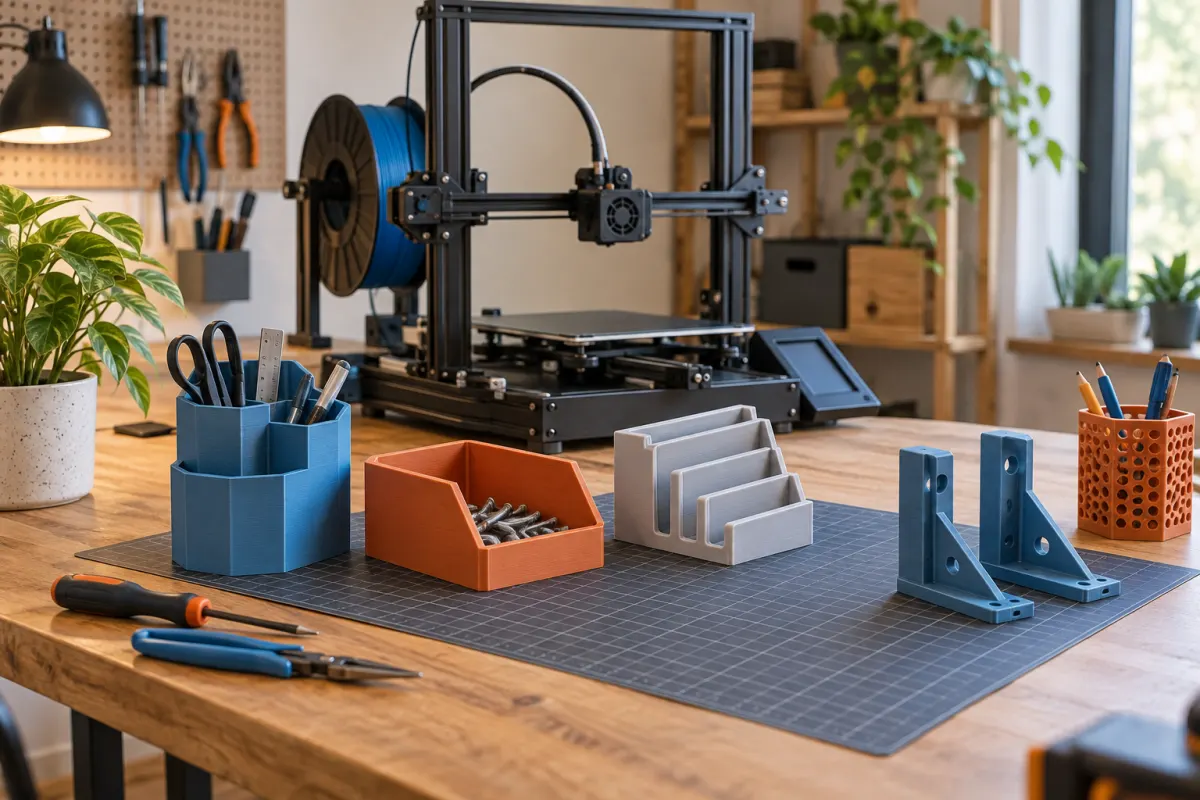
Choose a useful size, not just a big number
Build volume is the maximum printable envelope. It is different from the printer's physical footprint. A moving bed, cable routing, spool holder, and room for maintenance can require additional clearance.
List three things you actually want to make and measure their dimensions. If you mostly want small organizers and models, a compact printer may be sufficient. A larger build area becomes useful when it avoids splitting a frequently printed part into pieces. Remember that some models can be rotated or divided, but doing so adds work and may affect strength.
Match the machine to the material
For learning and many indoor hobby projects, PLA and PETG are sensible materials to investigate first. Confirm support for the exact filament type and surface. Flexible or abrasive filaments can impose additional feeding or nozzle requirements.
A high maximum nozzle temperature does not automatically make a printer suitable for all engineering materials. Enclosure requirements, bed temperature, ventilation, and manufacturer guidance also matter. Bambu Lab lists ABS, ASA, PC, PA, and PET as not recommended for its A1 series, despite its 300°C maximum hotend rating.
If you already know you need enclosure-dependent materials, choose around that requirement from the beginning. Do not buy an open-frame printer on the assumption that any improvised enclosure is an approved upgrade.
Look beyond the first print
- Setup: compare assembled machines and kits honestly against the time you want to spend learning assembly.
- Calibration: automated leveling can reduce setup steps, but it does not eliminate cleaning or maintenance.
- Documentation: look for an accessible manual, troubleshooting guidance, and a clear process for replacement parts.
- Workflow: check how files are transferred, whether an account is required, and what local or offline options are available.
- Total cost: include filament, consumable parts, delivery, and any accessories needed for your intended use.
For multicolor printing, investigate material compatibility, extra equipment, changeover time, and purge waste. It can be enjoyable, but a reliable single-color workflow is enough to learn the basics.
Three printers to compare
Specifications below were checked against manufacturer pages on October 3, 2026. Availability, bundles, and prices depend on region and can change. The listed build volumes are not desk dimensions.
Bambu Lab A1 mini
Build volume: 180 × 180 × 180 mm. The manufacturer lists automatic calibration, a 300°C maximum hotend, an 80°C maximum bed, and PLA/PETG/TPU/PVA as ideal materials.
Why consider it: the printable envelope may suit small household objects and models. What to weigh: larger one-piece projects will not fit, and the open design is not a universal materials platform.
View A1 mini at Bambu LabBambu Lab A1
Build volume: 256 × 256 × 256 mm. Published specifications include a 300°C maximum hotend, a 100°C maximum bed, and PLA/PETG/TPU/PVA as ideal materials.
Why consider it: it gives you more printable space within the A1 family. What to weigh: measure the required operating space, including bed motion; the larger volume does not remove the family's material limitations.
View A1 at Bambu LabCreality K1 SE
Build volume: 220 × 220 × 250 mm. Creality lists automatic leveling, a 300°C maximum nozzle, a 100°C maximum bed, and PLA/PETG/TPU support.
Why consider it: it offers a different motion-system design and an intermediate printable envelope. What to weigh: CoreXY alone does not prove better prints or quieter operation. Check the workflow, documentation, local support, and materials for your needs.
View K1 SE at CrealityMaximum advertised speed is not the same as typical printing speed. Model geometry, material flow, acceleration, and quality settings all influence completion time. We do not use those maximums to rank these printers.
A simple buying decision
- Eliminate printers that cannot make your intended parts in the required material.
- Eliminate machines that do not fit your available operating space.
- Compare setup, file-transfer workflow, replacement parts, and the complete delivered cost.
- Look for independent, documented tests of the factors that matter to you, such as noise or repeatability.
- Start with a modest amount of compatible filament and the tools the manual actually requires.
If you are still uncertain, choose a smaller first project before choosing a larger printer. A clear use case makes the tradeoffs easier to judge.
For a wider comparison, browse Anycubic’s current printer range and apply the same size, material, workspace, and ownership checks.
We may earn a commission if you buy through links marked “paid link.” How our links work.
Browse Anycubic’s printer range (paid link)How to use this shortlist
This is a specifications-based comparison of three options, not an exhaustive survey or a tested “best printer” list. The published build volumes suggest these useful starting points:
- Small desk organizers and models: check whether the A1 mini's envelope fits your actual files before paying for more build area.
- Frequent larger, one-piece objects: compare the A1 and K1 SE against those exact models in their slicer profiles. Leave room for required brims and other job features.
- Projects requiring enclosure-dependent materials: broaden the search beyond these open-frame options using the material and printer makers' guidance.
Our size and material observations come from manufacturer documentation. We have not measured these printers' noise, dimensional accuracy, energy consumption, setup time, or failure rates. Those unanswered questions should guide your search for independent tests.
Before buying, make a budget with separate lines for the machine, delivery, filament, and required accessories. Use our print-cost calculator to explore material and electricity assumptions, and the starter tool guide to avoid buying tools you already receive.
Sources & further reading
- Bambu Lab: A1 mini specifications
- Bambu Lab: A1 specifications
- Creality: K1 series comparison
- Creality: K1 SE product information
Manufacturer guidance can change. Check the instructions for your exact printer, build surface, and filament.