Start with the Kobra X if built-in four-color printing is your main reason to buy. Compare the Kobra 4 Combo when you want a package with a separate drying feeder, and the bare Kobra 4 when your projects are predominantly single-color. Their nominal build size is the same, so this decision is mostly about the complete workflow and price of the selected package.
Source check: October 9, 2026. This is a researched comparison of manufacturer documentation, not a hands-on review. Our recommendations are interpretations of those specifications for the examples below. We have not measured print quality, reliability, noise, or speed. Global-store listings can select different regional plugs and bundles; confirm your delivery country and complete checkout total. We do not quote a current US purchase price here.
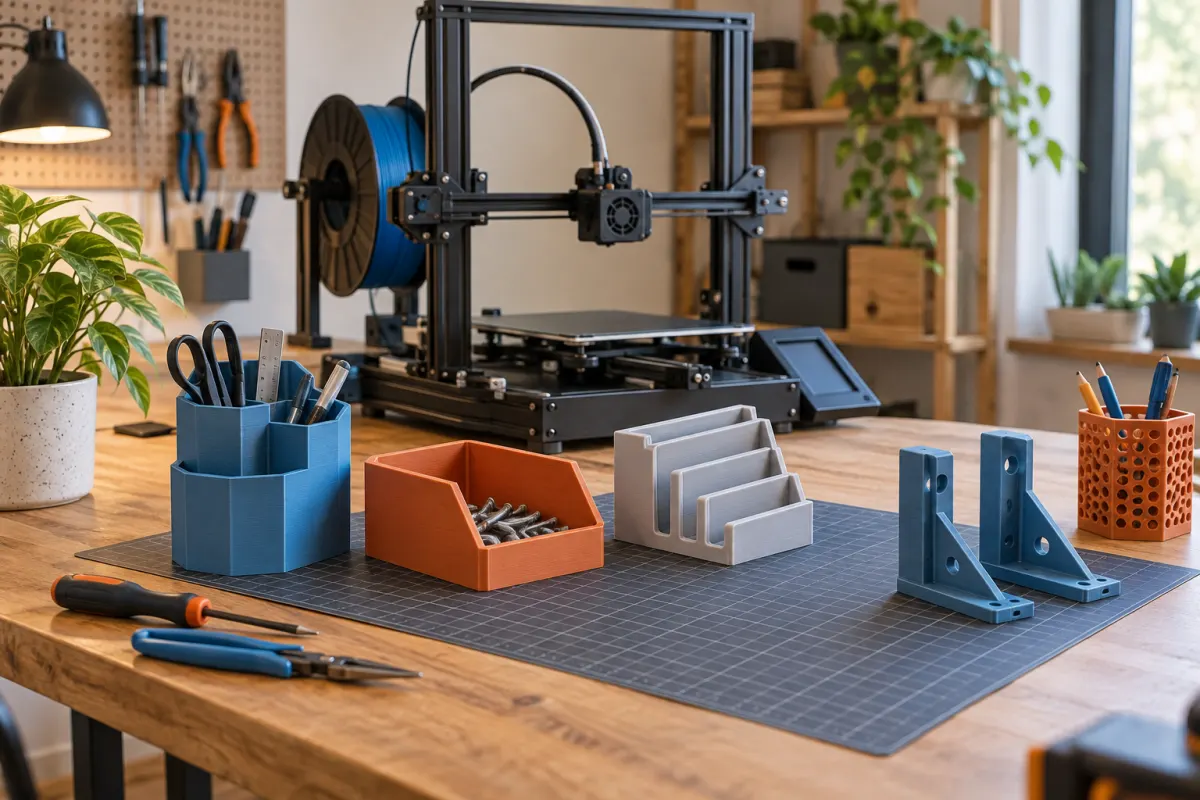
Compare three packages, not two names
| Item | Kobra 4 | Kobra 4 Combo | Kobra X base model |
|---|---|---|---|
| Nominal build volume | 260 × 260 × 260 mm | 260 × 260 × 260 mm | 260 × 260 × 260 mm |
| Included automated colors | One | Four, with one ACE 2 Pro | Four, built into printer |
| Active filament drying | Separate equipment needed | Via included ACE 2 Pro | Requires added ACE 2 Pro |
| Purchase question | Do I need color automation? | Will I use the drying feeder? | Are four exposed spool positions sufficient? |
The package distinctions come from the Kobra 4 listing and FAQ and Kobra X specifications. A photograph showing several spools does not establish what the selected variant includes. Copy the exact product name and included feeder into your comparison before looking at the price.
Color capability also does not mean every material combination is supported or bonds well. For a first purchase, comparing ordinary single-material PLA projects keeps the decision manageable.
The build size does not decide this comparison
Take a practical organizer measuring 230 × 180 × 60 mm. With an illustrative 5 mm brim on each side, its flat footprint becomes 240 × 190 mm. That is within either printer's nominal square before profile-specific clearances. The example gives neither model an advantage from build volume.
A 275 mm-long rectangular tray in that same orientation exceeds both nominal limits. Before switching products, try a sensible orientation in each exact slicer profile, or look for a split design. Our model-fit calculator is a preliminary check; only the actual sliced geometry accounts for every support, brim, and excluded area.
Keep scale fixed when testing functional parts. Shrinking an organizer until it fits the bed may also shrink the compartments below the dimensions of the objects it should hold.
Decide whether drying belongs in the package
A four-color printer and a filament dryer solve different problems. The X's built-in color system does not by itself dry its spools. The ACE 2 Pro adds drying and enclosed spool storage; it also occupies space and adds another device to load and maintain.
List what you already own. If a suitable dryer and sealed storage are already part of your setup, paying for a second drying device may provide little value. If this is your first setup and several opened spools will stay loaded, a drying-feeder package deserves a closer comparison.
Use the filament manufacturer's drying guidance, including spool temperature limits. A device's maximum temperature is not a recommended setting for every plastic. Our dryer versus dry-box guide explains which part of the workflow you are trying to improve.
Price representative color jobs before more hardware
Choose one file you actually want in several colors. Slice it in the supported software for each machine, keeping the model, layer height, material, and finish target comparable. Record total estimated time and all filament, including purging and any tower.
For an illustrative project, 80 g in the finished object plus 40 g in transitions and support consumes 120 g. At an assumed $20 per kilogram, material costs $2.40; counting only the finished object would show $1.60. The 80-cent difference is small once, but it matters when comparing repeated batches. These numbers are examples, not measurements of either printer.
The PrusaSlicer explanation of wipe towers illustrates why material changes can add work beyond the finished geometry. Use the actual Anycubic preview for this purchase. A vendor's headline speed or material-saving percentage cannot predict the time for your different model.
Measure the loaded, operating setup
Reserve space for the printer's moving bed, all loaded spools, tube paths, access to controls, and removal of a finished plate. Measure the proposed layout with tape on the bench before ordering. The printable cube is not the machine footprint.
For a separate feeder, check the specified placement and connection routing. Do not assume the feeder can sit wherever an empty rectangle remains on your shelf. For exposed spools, account for changing them without moving the printer and for storage between jobs.
Our desk-space guide helps build that measurement list. If the only suitable bench is shared with other tasks, loading and unloading convenience can matter more than a feature that appears on both specification sheets.
Compare the total that delivers your chosen workflow
Create three baskets: bare Kobra 4 plus necessary supplies, Kobra 4 Combo plus supplies, and base Kobra X plus your chosen drying or storage plan. Include regional tax, delivery, and any missing accessories. Compare like-for-like materials and quantities.
Suppose two hypothetical complete setups quote $430 and $500, and your budget is $550. They leave $120 and $50 respectively. The $70 difference should buy a benefit you can name: drying convenience, the preferred loading layout, or a specific supported workflow. It should not disappear because a bundle includes colors you never planned to use.
If the two totals converge, use the project and workspace checks above to choose. If neither leaves room for the supplies needed for your first model, simplify the color ambition or wait.
Who should shortlist each option?
- Bare Kobra 4: investigate it when single-color work is the priority and its complete regional quote is attractive.
- Kobra 4 Combo: investigate it when a separate drying feeder suits your materials and available space.
- Kobra X: investigate it when four built-in colors are useful and you have a separate plan for filament condition.
Skip both if your project requirements depend on an enclosed, actively heated chamber, or your real files exceed this build envelope. A model name containing a newer number does not establish that it is better for your particular job.
Check the exact bundle in the store after completing the comparison. The link below opens Anycubic's range, so select the named model, region, and feeder package yourself.
For a wider comparison, browse Anycubic’s current printer range and apply the same size, material, workspace, and ownership checks.
We may earn a commission if you buy through links marked “paid link.” How our links work.
Browse Anycubic’s printer range (paid link)Sources & further reading
- Anycubic: Kobra 4 specifications, bundles, and FAQ
- Anycubic: Kobra X specifications and FAQ
- Anycubic: ACE 2 Pro specifications and included accessories
- PrusaSlicer: wipe tower and purging considerations
Manufacturer guidance can change. Check the instructions for your exact printer, build surface, and filament.