Buy the Combo when automated color changes are central to your planned projects and the complete bundle saves money over the same equipment bought separately. For mostly single-color functional parts, begin by comparing printer-only costs and a realistic later-upgrade quote.
This is a researched buying guide based on manufacturer documentation, not a hands-on test or measured ranking. Recommendations below are our interpretation of the documented features and the stated use case.
Price check: October 9, 2026 (UTC). Listed US-dollar prices are observations from manufacturer product pages, before tax and any shipping or import charges. They are not checkout quotes or a guarantee of stock. Select the exact variant and delivery address before comparing totals.
Compare named systems, not the word Combo
| Configuration | Documented format | Observed US offer | Check before buying |
|---|---|---|---|
| Bambu A1 mini or A1 with AMS lite | Open printer; AMS lite bundle | Current price not verified | Correct printer, feeder, and all required connections |
| ELEGOO Centauri 2 Combo | Open CoreXY; four-color CANVAS | $329; printer-only selector $279 | Bundle contents and supported spool/material list |
| ELEGOO Centauri Carbon 2 Combo | Enclosed CoreXY; four-color CANVAS | $399 | Exact Carbon 2 variant and supported material workflow |
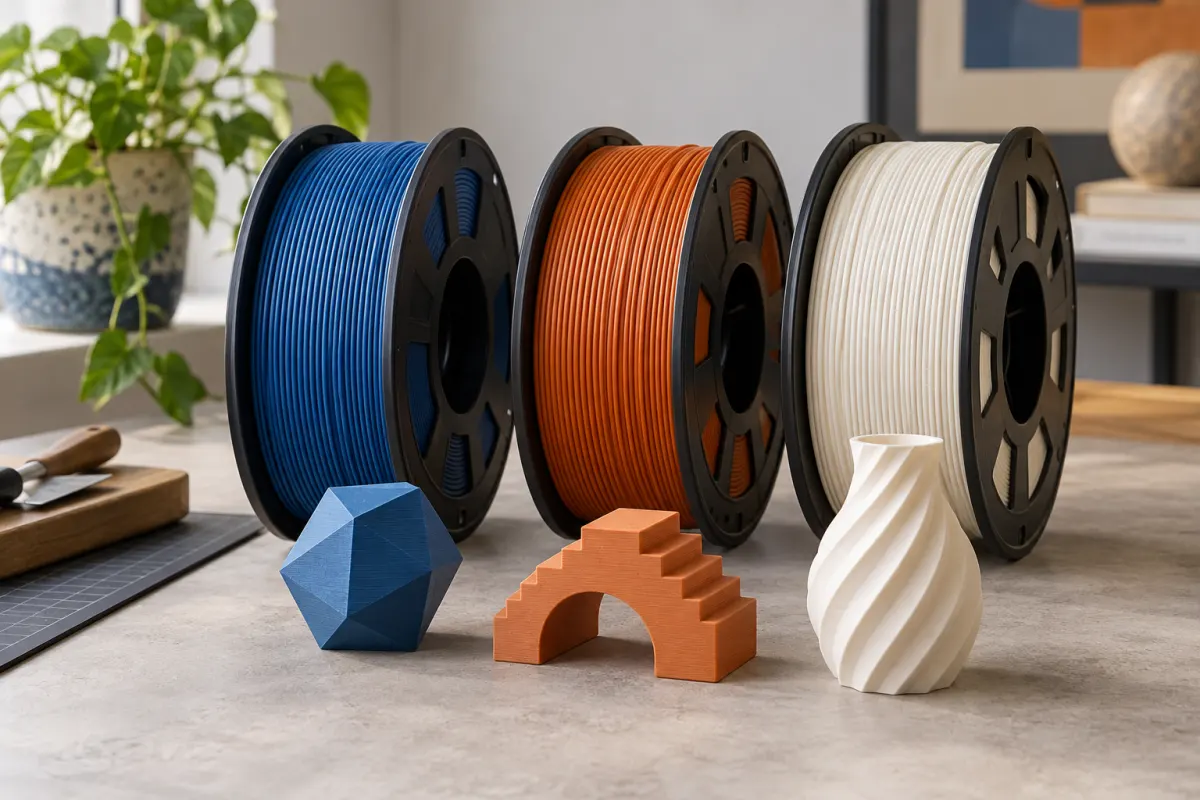
Sources are Bambu's mini and A1 descriptions, and ELEGOO's Centauri 2 and Centauri Carbon 2 pages. A current listing can have several similarly named bundles. A picture of spools does not prove that those spools are included.
We compare purchase structure, not measured color quality, change reliability, or waste between these machines.
Calculate the bundle premium correctly
On the observed Centauri 2 selector, the Combo costs $329 and the printer-only option $279. The $50 difference is the displayed upgrade premium before tax and delivery. It is not proof that buying CANVAS separately later costs $50; that requires a separate current accessory quote.
Use two complete baskets: printer plus feeder plus every required adapter or connection now, and the same items bought separately. Include additional shipping and any different warranty or return handling. Compare identical components and quantities, not a headline discount against an unrelated list price.
For Bambu, obtain current US quotes rather than borrowing an old sale price. This update could not verify them. Save the date and selected variants with your comparison so a later price change does not silently invalidate the decision.
Ask how often your model changes color
A sign with one color change at a particular height is a different task from a figure that alternates colors on hundreds of layers. Look at the slicer's sequence, total time, and material breakdown. The number of colors alone does not describe the workload.
Single-nozzle color-changing workflows need to remove the previous material before printing the next. Prusa’s wipe-tower documentation explains the general purging problem; use your chosen printer's supported slicer for its implementation. Inspect the selected system's purge and transition handling, including any tower or extra object. Do not judge costs from the finished model's weight alone, and do not assume a colored preview represents free color changes.
For some designs, separate colored inserts or parts can achieve the visual result with single-color jobs. For others, the geometry makes automated changes much more convenient. Decide from one representative model instead of a gallery containing only the most attractive marketing examples.
A project cost example with waste included
Suppose a hypothetical sliced multicolor sign uses 80 g in the model and 40 g in purging and other auxiliary structures. At an illustrative $20 per kg for all colors, material costs 120 ÷ 1,000 × $20 = $2.40. Counting only the model would give $1.60 and omit $0.80.
Across 30 identical jobs, that difference is $24 before failed attempts, electricity, and your time. These are example inputs, not measured waste from any printer in the comparison. Enter the actual totals from your project and price each filament separately when the colors have different costs.
Batching multiple objects may share some transitions, but the benefit depends on the sliced job. Compare both previews rather than multiplying a one-object estimate blindly. Check remaining material on each spool with our spool planning guide.
Confirm feeding and storage before buying more colors
Check the material list for the exact feeder, then its spool dimensions and handling requirements. A printer can support a flexible filament through an external path while the automatic system has different restrictions. “Works with the printer” and “works in this feeder” are separate checks.
A feeder is also not automatically a filament dryer. Establish whether the selected system dries actively, stores sealed spools, or simply feeds exposed rolls. Match any additional storage to the grade's instructions rather than buying four drying positions because there are four colors.
Four color choices also tie up more cash in partly used spools. If each roll costs an illustrative $20, purchasing four instead of one adds $60 to the initial basket. Those extra rolls can last across many projects, but they still need budget and storage today.
Who should buy a bundle—and who can wait
- Buy now: you have representative multicolor files, the previewed costs are acceptable, and the complete Combo quote is advantageous.
- Wait: most projects are single-color parts, you have limited spool space, or the feeder would displace money for a necessary larger printer.
- Reconsider the format: your desired material is unsupported in the feeder, or the work needs a different tool-changing workflow.
Before checkout, inspect the setup manual, loading procedure, compatible spools, maintenance parts, and supported slicer. Avoid buying on a promise that an unspecified future update will provide the feature you need.
A bundle is worthwhile when it removes a real obstacle from your projects. It is less compelling when the first task after delivery is discovering a place for several spools and deciding what to print with them.
Sources & further reading
- Bambu Lab: A1 mini specifications and AMS lite bundle
- Bambu Lab: A1 specifications and AMS lite bundle
- ELEGOO US: Centauri 2 and Centauri 2 Combo
- ELEGOO US: Centauri Carbon 2 Combo
- PrusaSlicer: wipe towers and purging
Manufacturer guidance can change. Check the instructions for your exact printer, build surface, and filament.