Choose a printer with a documented local workflow if you want to keep printing without an internet service. Choose cloud features for convenient remote access, then check which functions remain available without them. “Offline” can mean removable-media printing, local-network control, or both; these are different capabilities.
This guide compares purchase criteria, not network-security test results. Manufacturer examples were checked October 9, 2026. Features depend on the exact model, firmware, slicer, and network configuration, so verify each requirement in the current manual before ordering.
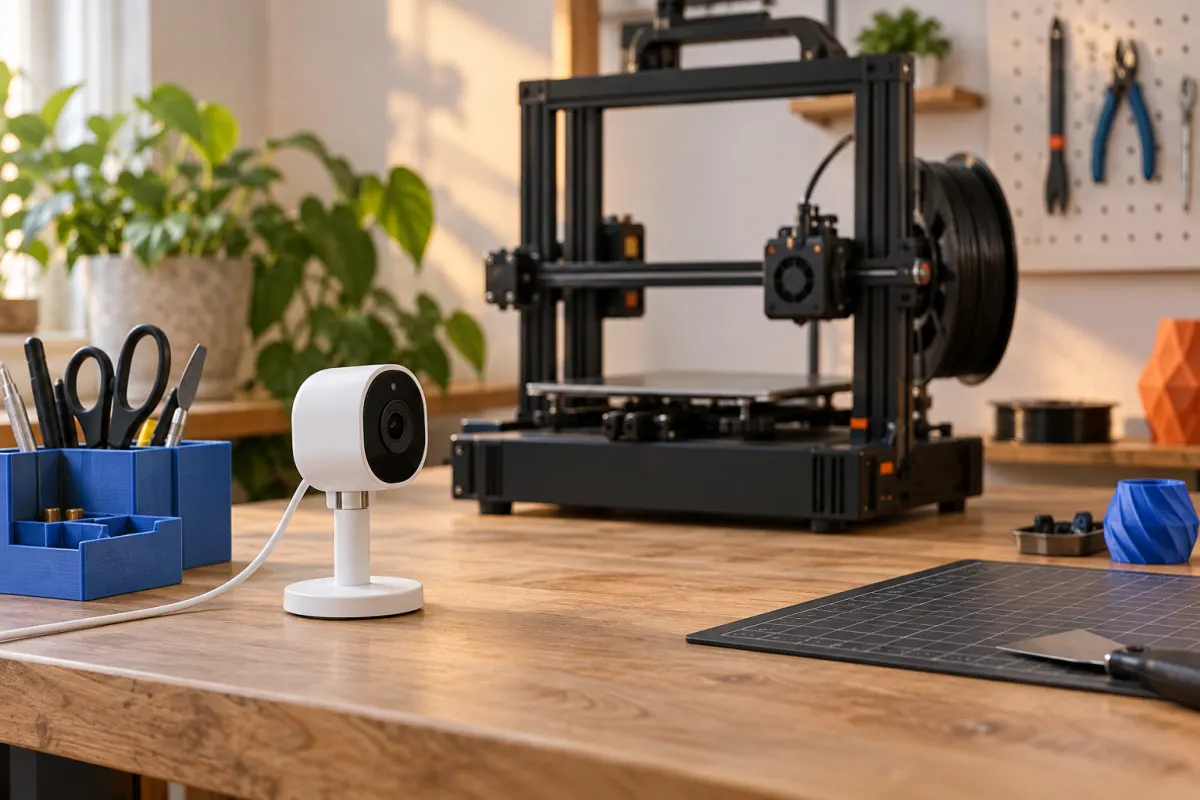
Separate cloud, local network, and removable media
| Workflow | What it depends on | What to verify |
|---|---|---|
| Cloud service | Internet access, supported software, and usually an account | Upload route, remote controls, camera access, and behavior during outages |
| Local network or LAN | A functioning local network and compatible printer/client | Local authentication, file transfer, camera support, and supported slicers |
| Removable media | A supported drive/card, file format, and local controls | Accepted media, preparing files locally, and starting a job without a login |
A printer can support more than one route. Losing internet is different from losing Wi-Fi: a local network may still work during an internet outage, while a failed router removes that path. Removable media is useful only if you can prepare and start the correct file without another required online step. Read our file-format guide before assuming an STL can go directly onto any printer.
Read the model-specific examples carefully
Prusa distinguishes Prusa Connect from PrusaLink: Connect provides cloud access, while PrusaLink provides local-network control on supported machines. The documentation lists built-in support for models including MK4/MK4S; other models can need different hardware or installation steps. That distinction makes “supports Prusa networking” too broad a shopping requirement.
The Bambu Lab H2C manual describes a LAN Only mode and states that cloud and related remote functions become unavailable in that mode. That is evidence for the H2C workflow described in that manual, not proof that every Bambu printer has identical settings or feature availability.
Write a short requirements list for the actual printer you are considering. If the essential feature is a local camera feed, require an explicit answer about that feed; local file transfer alone does not answer the question. A store's “Wi-Fi” specification is equally incomplete.
Check the whole ownership cycle
Ask about first setup, regular use, updates, and resale separately. Can you configure a fresh unit without an account? Can the slicer prepare files when disconnected? Can you install a downloaded firmware update locally? Which calibration functions require a connection? If the printer is used, how does the former owner release its registration?
These questions matter because a product may allow daily offline printing after an online activation step. That can be perfectly acceptable, but it is different from an entirely offline lifecycle. Similarly, a downloadable slicer does not establish that every model profile, login-dependent integration, or add-on is available without internet access.
Keep a copy of the exact manual and supported setup instructions. Record the model, firmware version, and slicer version behind an answer. Feature names can survive a software update even when the workflow changes. For secondhand shopping, add these checks to the handover checklist.
Compare convenience, data flow, and maintenance
Cloud access can simplify remote checking, but first establish where model files and camera data travel, how long the provider keeps them, and how you control access. Read the service's current privacy and account documentation for your region. Local operation can reduce dependence on a cloud upload, but it does not automatically make a printer secure or prove that every software component is disconnected.
Bambu Lab's September 2025 security white paper describes authorization controls and a LAN developer option. A developer option is a separate compatibility and security choice, not a synonym for ordinary offline printing. Confirm support for your intended third-party software before buying; do not plan a purchase around disabling protections or relying on an unverified workaround.
Use the manufacturer's supported local authentication and update process. For access from outside home, prefer a documented remote-access method; exposing a printer's management interface publicly is not a necessary part of local printing. A camera also does not replace the operating precautions in the printer manual.
Worked example: a home with unreliable internet
Hypothetical decision: a hobbyist prints storage bins from a laptop at home. Internet service fails occasionally, but their router remains powered. Their priorities are preparing a file locally, sending it over the LAN, and starting it from the machine. They can live without checking the camera from a phone while away.
For that household, a documented local file-transfer workflow plus a supported removable-media backup is a more useful purchase criterion than a polished cloud gallery. They should test the documented workflow after setup, before the return deadline, using an ordinary small file and the manufacturer’s instructions. Record which functions work without internet instead of inferring them from a “connected” icon.
A different buyer who manages printers at several locations may place more value on cloud status and remote job management. They still need to understand what happens during an outage and whether a failed remote connection prevents new jobs or merely hides status. Neither scenario requires declaring every cloud printer good or bad.
Questions to answer before checkout
- Which exact functions work without internet: setup, slicing, transfer, start, camera, and updates?
- Does the local workflow require Wi-Fi, Ethernet, removable media, or optional hardware?
- What account is required, and how does ownership transfer?
- Does the intended slicer support the current printer firmware through an official path?
- Can you save and restore the relevant profiles and settings?
- What current documentation supports each answer?
Give each requirement a simple status: documented, not supported, or unanswered. Ask the seller about unanswered essentials before paying. For nonessential conveniences, decide what you are willing to give up. This turns a vague debate about cloud dependence into a practical comparison of printers that fit your routine and the network you actually have.
Sources & further reading
- Prusa Connect and PrusaLink explained
- Bambu Lab H2C user manual: network modes
- Bambu Lab security white paper, September 2025
Manufacturer guidance can change. Check the instructions for your exact printer, build surface, and filament.