Buy new when predictable support matters more than the lowest price. Consider refurbished when a named seller documents inspection and order-specific coverage. Buy privately used only when you can evaluate the machine and afford the repair risk. Compare the cost of a working, complete setup, not the listing price alone.
This is a buying framework for beginner and home-hobbyist FDM printers, based on manufacturer documentation checked October 9, 2026. We have not inspected the individual machines offered for sale. Refurbished stock, seller grading, and regional terms can change.
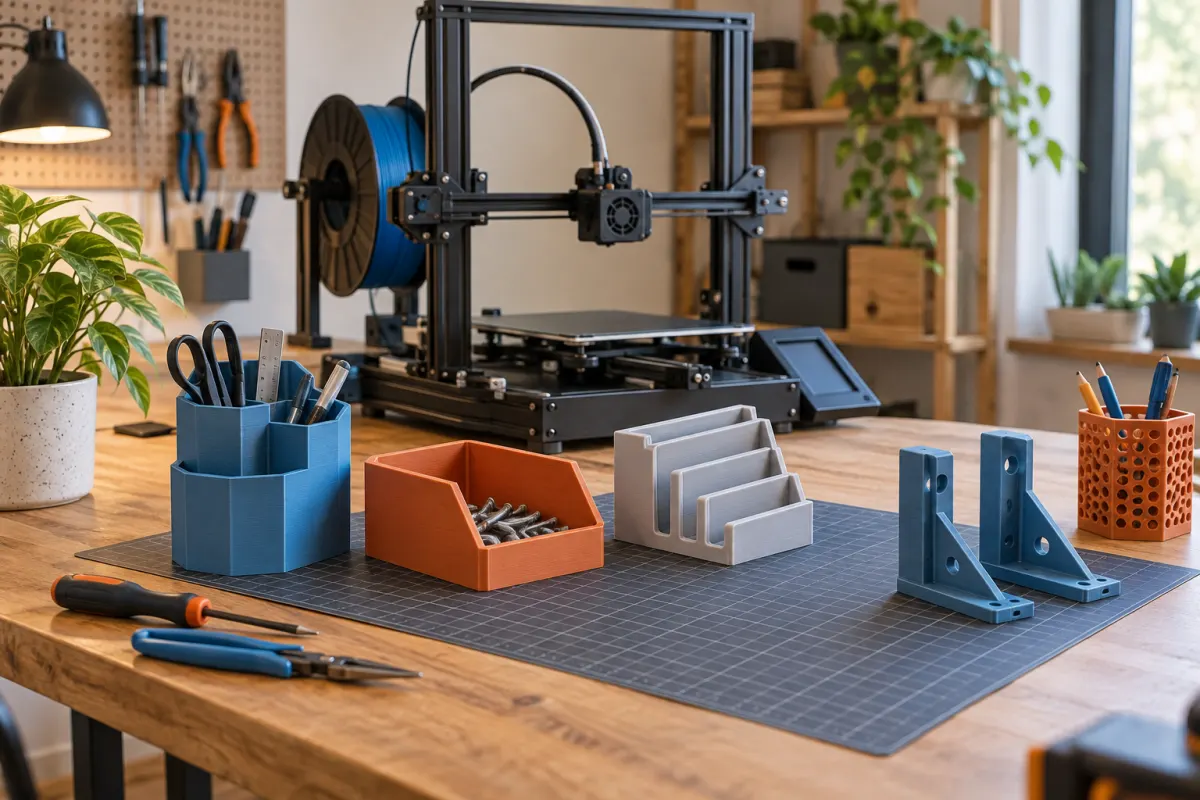
What each buying route actually gives you
| Route | Main reason to consider it | Evidence needed before payment |
|---|---|---|
| New from an authorized seller | A clear starting point and current support route | Exact bundle, regional warranty, return conditions, and included accessories |
| Manufacturer refurbished | Potential savings with a documented reconditioning process | Inspection scope, condition grade, coverage for that exact order, and return shipping |
| Retailer open box | A returned unit may be complete and lightly used | Whether it was tested, what is missing, and who handles faults |
| Private used sale | A lower price or a discontinued model you understand | Live operation, ownership history, invoice, account release, and parts availability |
These labels are categories, not inspection standards. A clean photograph does not establish electrical condition, reliable first layers, or a complete toolhead. Ask whether the seller means an unused return, a repaired machine, or an untested item. Treat “as is” as an explicit transfer of uncertainty into your budget.
Inspect a complete workflow, not just a startup screen
Ask the seller to demonstrate homing, heating, and a modest sample print using the correct profile. A video should show the actual printer being sold, with its model identifiable. A completed object beside the machine proves little about when or how it was made. Agree in advance whether an in-person demonstration is available.
Look for damaged wiring, makeshift connectors, cracked structural parts, heavy nozzle leaks, unusual motion, and incomplete covers. Request photographs of the build surface and accessible moving parts. Leave hot, moving, and electrical components alone during inspection; repairs should follow the exact service manual. The Prusa maintenance guide illustrates why belts, print surfaces, and routine care deserve separate checks, but its procedures are specific to the listed Prusa models.
List missing items individually: power cable, spool holder, build plate, storage media, proprietary cables, and any feeder or hub promised in the bundle. A multicolor unit beside a printer is not proof that all connection hardware is included. Compare with our spare-parts buying guide before accepting a discount.
Get warranty and return promises in writing
Check the seller's terms for the exact condition grade and region. As checked on October 9, Anycubic's refurbished collection FAQ describes one-year coverage and a seven-day return window. Its general refund policy separately excludes refurbished and secondhand products from its stated warranty coverage. Those pages conflict. Ask support which terms apply to the specific listing, and retain the answer with your order; do not assume the more favorable statement wins.
Prusa’s warranty documentation explains that third-party purchases can require the original invoice and that coverage runs from the original delivery, not your resale purchase date. Check its exact account and purchase-channel requirements. This is an example of a manufacturer process, not a promise that every brand transfers coverage.
Also confirm who pays return shipping, whether opened consumables can be returned, and what happens if the fault appears after the return window. A heavy printer that must be shipped at your expense can erase a modest saving. Save the listing and written terms when ordering.
Worked example: calculate the real discount
Illustrative US-dollar budget only, not current prices: suppose a new complete printer costs $350 delivered before tax. A used listing is $220, but needs a $35 build plate, $25 of missing accessories, and $20 of travel. Your planned outlay is $300, leaving a $50 saving. Keep a separate $60 contingency for an uncertain fault: the used route could reach $360.
That contingency is a planning allowance, not a prediction that a fault will cost $60. A mainboard or proprietary assembly may exceed it. Your troubleshooting time also has a cost even when the hobby is enjoyable. In this example the used machine makes sense primarily if its condition is convincing, the missing parts are obtainable, and you value the repair experience.
For a refurbished offer, run the same calculation with its shipping, missing accessories, and written coverage. Use the print-cost guide for ongoing consumables; ownership costs and the cost of each print are different comparisons.
Check accounts, modifications, and ongoing support
Ask whether the device is linked to the seller's cloud account and how ownership is released through the manufacturer's process. Arrange that handover before relying on remote features. A factory reset and account unlinking may be different operations. Record the installed firmware version and whether the seller changed the hotend, control board, wiring, or firmware.
Upgrades can be useful, but undocumented changes create another compatibility problem for a beginner. Request the original parts and configuration notes. Verify that replacement hotends, sensors, plates, and other likely wear items remain available for the exact model revision. A low price is less attractive when the first broken proprietary part has no supported replacement.
Check the cloud and offline buying checklist if continued printing without the seller's account is important to you. Do not confuse a seller's working login with transferable access.
Use this final buying checklist
- Identify the exact model, revision, condition grade, and included bundle.
- See an operation demonstration and account for every missing item.
- Confirm parts availability and any nonstandard modifications.
- Save the invoice, written coverage, return deadline, and shipping responsibility.
- Compare the complete delivered setup plus a repair allowance against a new equivalent.
Choose new if the discount becomes small after those checks or if your first priority is learning to print rather than diagnosing an unknown machine. Refurbished is attractive when the seller removes uncertainty with clear evidence. A private used purchase is strongest when you know the model, can verify it, and can tolerate downtime. None of the three routes guarantees perfect prints; the point is to buy a level of uncertainty you can manage.
Sources & further reading
- Anycubic: official refurbished collection and FAQ
- Anycubic: refund and warranty policy
- Prusa: warranty, including third-party purchases
- Prusa: regular maintenance for MK4/S and MK3.9/S
Manufacturer guidance can change. Check the instructions for your exact printer, build surface, and filament.