Start with the Bambu A1 mini for small projects, and compare the Creality K1C 2025 when you need more build space in an enclosed format. Choose only after measuring the complete operating area: the machine's body dimensions are not a desk-clearance recommendation.
This is a researched buying guide based on manufacturer documentation, not a hands-on test or measured ranking. Recommendations below are our interpretation of the documented features and the stated use case.
Current K1C US pricing was checked on October 9, 2026; current A1 mini US pricing and inventory could not be verified. This guide focuses on physical fit, not a claim that either model is the cheapest compact printer.
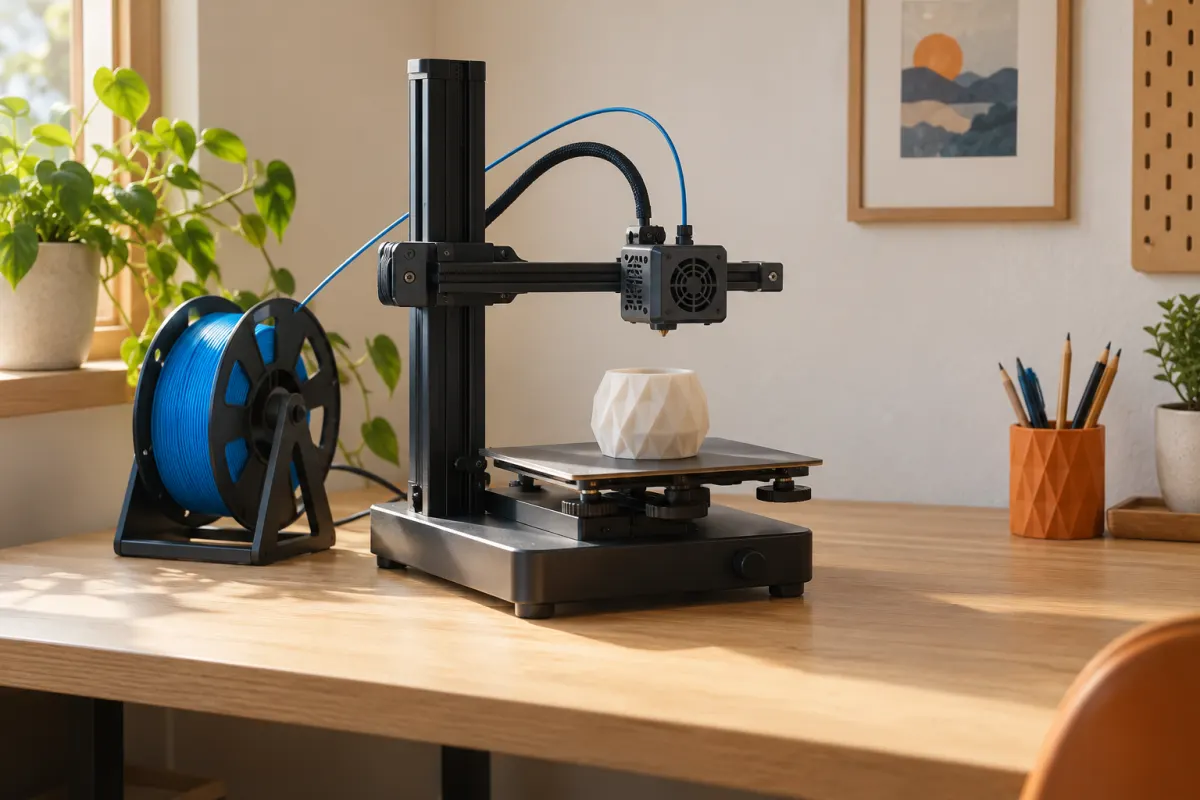
Two compact candidates with different space demands
| Model | Stated body dimensions | Build volume | Access to investigate |
|---|---|---|---|
| Bambu Lab A1 mini | 347 × 315 × 365 mm | 180 × 180 × 180 mm | Moving bed, spool, tubing, and optional AMS lite |
| Creality K1C 2025 | 355 × 355 × 482 mm | 220 × 220 × 250 mm | Door opening, spool loading, cables, and service access |
These figures come from the A1 mini quick-start guide and K1C 2025 manual. They describe different printer designs. A comparison of width times depth alone leaves out movement and access, so do not treat it as a definitive ranking by desk space.
The K1C listing showed $499 before tax and delivery. Use the A1 mini US listing for its current offer; historical indexed prices are not a dependable checkout quote.
Measure the workspace as a working area
Mark out the proposed body footprint with paper or removable tape. Then mark the manufacturer's required clearance for motion and cables. Add the spool position, the opening of any door or lid, and a route to reach the back without dragging a loaded printer across the desk.
For the moving-bed mini, examine the full front-to-back travel envelope. For the enclosed K1C, check that a door can open far enough to remove the plate comfortably and that the chosen location does not block the documented air paths. Keep those checks separate from the exterior dimensions in the table.
Measure shelf height as well as width and depth. There must be room to load filament, remove the print, and carry out documented maintenance. A shelf that technically accepts the box may still make every routine task inconvenient. Our desk-space guide provides a fuller layout checklist.
A 600 × 600 mm desk section: an example
On paper, both listed body footprints fit within a 600 × 600 mm surface. That is only the first check. It tells you nothing about the mini's moving bed, a feeder beside it, the K1C's door arc, or rear spool and cable access.
For an illustrative layout, reserve a separate 200 × 250 mm rectangle for a container and tools. Put that on the drawing before deciding where the printer sits. If it overlaps a required operating area, move the storage; do not reduce the documented clearance to make the diagram work.
Next, act out removing a large finished object and swapping a roll. If those tasks require lifting the machine every time, try another location. These planning dimensions are examples, not manufacturer-approved operating clearances for either model.
Choose the smallest format that fits your actual work
Print volume is a constraint you cannot solve with clever furniture. Import the models you want at their intended size. Check the largest dimension, orientation, supports, and brims in the matching profile. A 170 mm object can need more room than its raw dimensions suggest.
A collection of small desk organizers, knobs, and decorative objects makes the mini a plausible shortlist choice. Regular 200 mm-wide parts are a reason to investigate the K1C or another larger envelope. The specific mesh still decides whether rotation is practical.
Do not assume you can shrink a functional part to fit. A case for a real board or a connector for an existing object needs its intended dimensions. See model scale checks and fit and tolerance planning before using a percentage slider to justify a smaller purchase.
Account for the accessories before buying a Combo
A small printer plus a color feeder can occupy more useful workspace than a larger single-color setup. Draw the loaded spools and feed tubes, not just the empty feeder base. Include access needed to change the inner or rear spools.
For the mini, this guide considers the documented AMS lite arrangement. If you choose another supported accessory configuration, use its current instructions and do the layout again. Avoid assuming any bracket found online is an approved way to fit your particular setup.
Consider whether you actually need automatic color changes. Printing separate decorative parts in different colors and assembling them can be a workable alternative for some models. It is not equivalent for every design, but it can keep the first setup simpler. Our bundle comparison helps evaluate that tradeoff.
Count the furniture and choose around daily use
Suppose printer A costs $100 less than printer B, but only A's chosen configuration needs a new $120 table. Ignoring tax and delivery, A's apparent saving becomes a $20 higher system cost. This is an illustrative comparison, not a quoted furniture requirement for either printer.
Investigate the mini when small prints and an accessible open layout suit your work. Investigate the K1C when its larger nominal envelope and enclosed format are useful and its loading and service needs fit the location. Skip both if the only available space violates the current operating instructions.
Finally, decide when the machine would run and where you would do finishing work. We have not measured noise or vibration and do not label either suitable for sleeping or working beside it. A comfortable setup includes a place to use the printer, store supplies, and inspect prints—not just a surface large enough for the feet.
Sources & further reading
- Bambu Lab: A1 mini Combo quick-start guide
- Bambu Lab: A1 mini specifications and AMS lite bundle
- Creality: K1C 2025 English user manual
- Creality US: K1C 2025 product listing
Manufacturer guidance can change. Check the instructions for your exact printer, build surface, and filament.