Choose the A1 mini when the models you want fit comfortably inside a 180 mm cube. Choose the A1 when you regularly need its 256 mm cube, or when cutting and joining larger parts would be an unwelcome part of the hobby. For a first printer, usable build space is the most concrete reason to choose between these two.
This is a researched buying guide based on manufacturer documentation, not a hands-on test or measured ranking. Recommendations below are our interpretation of the documented features and the stated use case.
We could verify manufacturer specifications, but could not verify current US checkout pricing or inventory during this update. Compare the linked US listings directly; older indexed prices can refer to a sale or a different Combo selection.
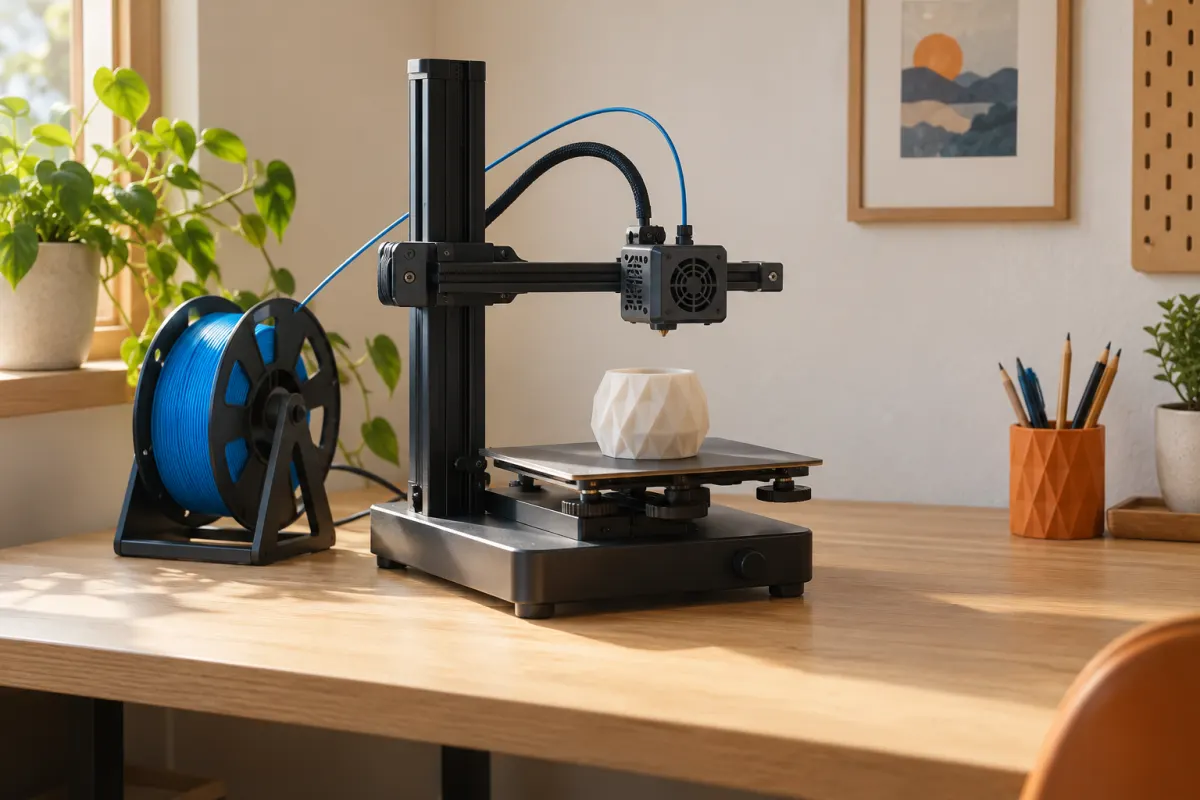
The differences that change your purchase
| Feature | A1 mini | A1 |
|---|---|---|
| Build volume | 180 × 180 × 180 mm | 256 × 256 × 256 mm |
| Maximum bed temperature | 80 °C | 100 °C |
| Included nozzle diameter | 0.4 mm | 0.4 mm |
| Format | Open printer with moving bed | Open printer with moving bed |
| Multicolor option covered here | AMS lite Combo | AMS lite Combo |
| Current US price and stock | Not verified in this update | Not verified in this update |
Dimensions and temperatures are from Bambu’s A1 mini documentation and A1 documentation. They describe capacity, not comparative surface quality or success rate. We have not measured noise, accuracy, or print time on either machine.
The larger bed does not make an object stronger or more detailed by itself. It creates room for larger geometry, more copies, or more spacing around a print. Whether you use that room depends on the files you plan to print.
Test three real files before choosing
Download a small everyday project, the largest object on your near-term list, and one aspirational project. Open them in the slicer with the correct printer profile. Keep the desired finished scale, choose a sensible orientation, and include any brim or supports before judging fit.
A 210 × 140 × 50 mm organizer cannot sit flat in the same orientation on the mini's nominal 180 mm square. It fits within the A1's nominal area before edge clearances. Rotating a model sometimes helps, but a diagonal measurement alone does not prove that its entire shape fits. Inspect the preview.
For a 120 × 80 × 40 mm electronics case, both machines offer ample nominal volume. That project provides little reason to pay more solely for build size. Try our model-fit calculator for a preliminary size check, then confirm the actual file in a slicer.
Understand what the larger cube buys
The A1 adds 76 mm along each nominal axis. Its bed area is about twice the mini's, calculated as 256² ÷ 180² ≈ 2.02. The nominal volume ratio is about 2.88. These ratios describe geometry; they do not mean twice the printing speed or nearly three times the useful output.
For example, four 90 mm square bases cannot simply occupy every millimeter of a 180 mm bed: separation, brims, and edge limits need room. A larger bed can make a batch more convenient, but slice the actual arrangement before counting how many objects fit.
If most of your work is small and an occasional large decoration can be assembled, the mini remains a reasonable candidate. If the very first project requires a large single piece, buying the smaller machine and immediately wishing for more volume is avoidable.
Keep material ambitions realistic
Both are sensible candidates to investigate for ordinary PLA and PETG projects. Bambu's documentation identifies material limitations associated with these open designs. A higher maximum bed temperature on the A1 is not equivalent to buying an enclosed printer or a controlled heated chamber.
Start with the exact filament manufacturer's settings and the current printer guidance. Filled, flexible, or support materials add requirements involving nozzles, handling, and feeders. The fact that an external spool can feed a material does not establish AMS lite compatibility.
If your reason for buying is a specific engineering material, work backward from that grade's requirements. Our enclosed-printer comparison is a better next decision than assuming the A1 is a universal materials upgrade over the mini.
Compare larger printing with multicolor spending
Quote four exact configurations: mini alone, mini with AMS lite, A1 alone, and A1 with AMS lite. Record tax, shipping, and any bundle contents. The model you want and the color feeder are separate purchase decisions.
Here is an illustrative budgeting exercise, not a current price claim. If a larger printer costs $100 more and the multicolor bundle costs another $150, a fixed $150 upgrade allowance can buy either more space plus $50 of supplies, or automated color changes on the smaller machine. Select around actual projects, not an accessory discount.
A decorative nameplate may benefit more from color changes; a large organizer may benefit more from volume. Multicolor also needs additional spool space and a waste allowance. Read our Combo buying guide before treating the feeder as essential starter equipment.
Who should buy—and who should skip
- Shortlist the mini: your saved files are small, you want a compact starting point, and joining occasional large objects is acceptable.
- Shortlist the A1: the slicer shows a recurring size constraint, you batch several parts, or you value avoiding assembly seams.
- Skip both for this shortlist: your required material or workspace needs are outside the manufacturer's supported setup.
Measure the moving bed's clearance, spool arrangement, and room for loading. Neither a product photograph nor the printed build volume gives you the required desk size. Use our workspace checklist and keep funds for filament and ordinary maintenance.
Finally, check the selected listing's delivery estimate and return process. With current prices unverified here, the recommendation is about which format fits your work. It is not a claim that either is today's cheapest or best-performing purchase.
Sources & further reading
- Bambu Lab: A1 mini specifications and AMS lite bundle
- Bambu Lab: A1 specifications and AMS lite bundle
- Bambu Lab: A1 mini Combo quick-start guide
Manufacturer guidance can change. Check the instructions for your exact printer, build surface, and filament.