A compatible spool needs more than the right filament diameter. Check the material against the printer and feeder, then check the reel's dimensions, how the holder drives it, and the route the filament follows to the extruder.
A printer may accept a filament from its external holder while its automatic feeder does not. A dryer can accept the material's drying process but still be too small for its spool. Work through these as separate checks before buying a bundle of rolls.
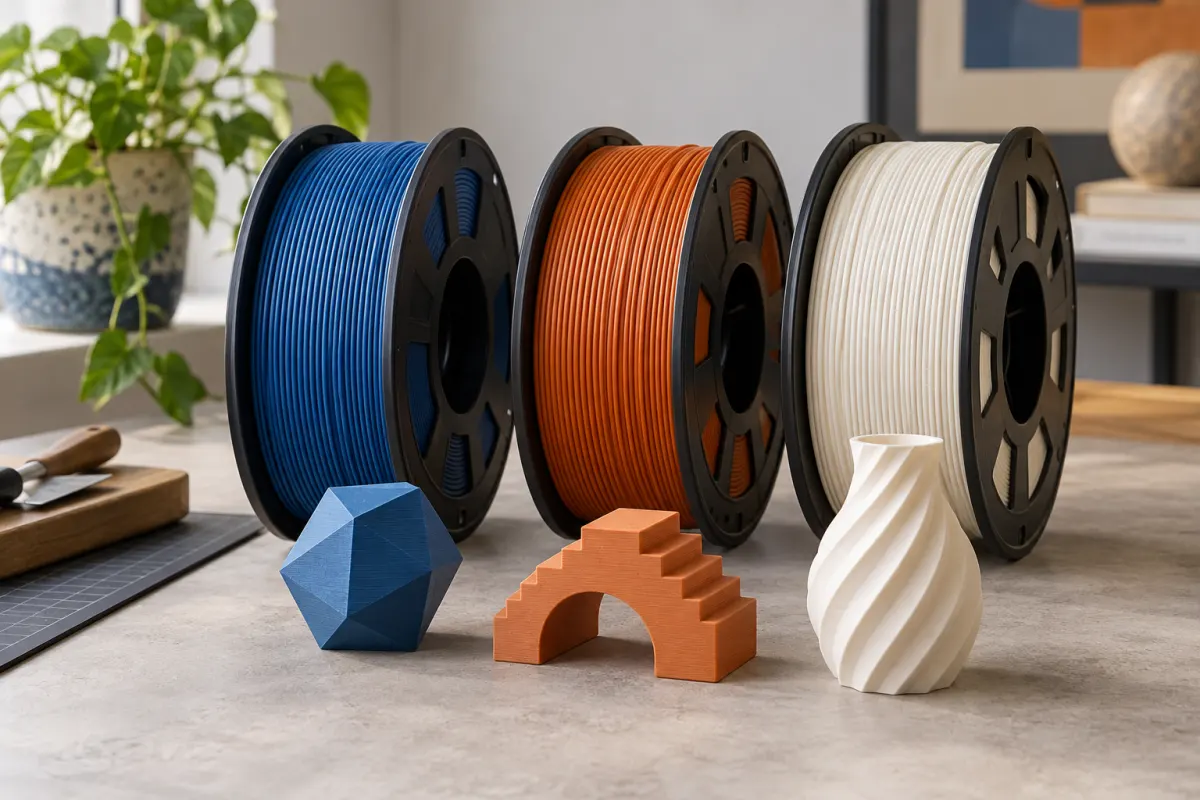
Use five independent compatibility checks
| Check | What to read or measure | Why it matters |
|---|---|---|
| Filament diameter | Printer specification and spool label | The strand must match the extrusion system |
| Material support | Printer, hotend, nozzle, and feeder documentation | Physical fit does not establish process compatibility |
| Spool size | Outer diameter, full width, and center opening | Different holders contact different parts of the reel |
| Spool construction | Flange shape, rigidity, condition, and adapter guidance | The reel must sit and rotate as intended |
| Complete route | Dryer, holder, tubing, inlet, and moving-machine clearance | Every section must feed without snagging or excess resistance |
Record the exact feeder model. “Works with AMS” is incomplete if the listing does not say which AMS, which spool size, and which formulation was checked. Avoid assuming that the printer maker's newest feeder has the same limits as an older model.
Separate the strand from the reel
A 1 kg roll describes filament mass, not diameter or universal spool dimensions. Check the strand diameter printed on the label against the printer's specification. A correctly sized reel does not make a different filament diameter suitable.
Then check the material. Automatic feeders can have restrictions that do not apply to the printer's supported external-spool workflow. Bambu’s AMS HT specification, for example, lists supported and unsupported filament categories separately from spool dimensions. Its list distinguishes particular Bambu formulations from generic flexible or filled materials.
Do not infer support from “PLA” alone when a product contains fibers, glow additives, or other modifications. The nozzle and feed system may each have requirements. Use the exact grade and the manufacturer's current compatibility list.
Measure the dimensions your holder uses
Measure the widest points of the loaded reel, not just its cardboard core. Note the outer flange diameter, total width, and center opening. Check whether labels, a damaged edge, or an adapter protrude beyond those dimensions.
Here is a model-specific example, checked against Bambu's published documentation: the A1 with AMS lite quick-start guide lists spool width of 40–68 mm and center opening of 53–58 mm for AMS lite. The AMS HT specification instead lists width of 50–68 mm and outer diameter of 197–202 mm. These are different measurement requirements; they are not interchangeable advice for the whole AMS family.
As an illustration, a 65 mm wide reel with a 55 mm center opening passes those two AMS lite dimension checks. That alone does not establish material suitability, flange condition, or fit in a different feeder. Keep each check on your list until it is independently satisfied.
Treat adapters and refills as another compatibility step
The original AMS quick-start guide recommends correctly fitting plastic spools and advises an adapter for cardboard spools to reduce slippage and debris. That instruction is specific to that design. It is not a blanket rule that every cardboard reel fails in every automatic feeder.
An adapter changes dimensions and contact surfaces. Recheck width, outer diameter, enclosure clearance, and seating after fitting it. A downloadable ring labeled with your filament brand may have been designed for a different reel revision.
A refill is also distinct from a complete spool. Confirm which reusable spool it fits, read the loading sequence, and keep the coil restrained as its instructions require. Do not remove every retaining strap first and expect loose filament to stay neatly wound.
Check the entire path before a long print
Position the spool or dry box in its intended place, then use the machine's supported loading workflow. Observe whether the reel rotates freely and the filament approaches the inlet without a sharp bend. Keep cables and tubes clear of the moving bed, toolhead, and enclosure doors.
The PolyBox manual includes checking that its spool rolls smoothly and cautions that a caught filament end can pull the box. That illustrates why a successful dimensional check is only the beginning. Inspect how your setup behaves during feeding, not just how it looks sitting still.
If feeding is inconsistent, stop and inspect the path before increasing extrusion settings. Prusa’s under-extrusion reference explains that interrupted extrusion can have multiple causes. A physical snag deserves a physical fix.
Keep a small compatibility record
Save the filament's full name, strand diameter, reel measurements, feeder model, any adapter version, and the manufacturer's source link. Add a photo of the label or your own reel if you have one. Record whether you checked the full roll or a nearly empty one.
Before buying again, verify that the seller still supplies the same spool construction. “I used this brand last year” is less precise than “this grade on this reel revision fits this holder.” If the listing lacks dimensions, ask for them or buy a single roll before committing to a bundle.
For storage equipment, continue with dryer and dry-box selection. For deciding whether the material suits the object itself, see PLA versus PETG and PLA versus PLA+. Passing a feeder check does not answer either of those questions.
Sources & further reading
- Bambu Lab: A1 and AMS lite quick-start guide
- Bambu Lab: AMS HT specifications
- Bambu Lab: original AMS quick-start guide
- Polymaker: PolyBox operating manual
- Prusa: under-extrusion
Manufacturer guidance can change. Check the instructions for your exact printer, build surface, and filament.