PLA+ is a product label, not a guarantee of one shared performance level. Compare the exact brand and grade with the PLA you already use. Look for evidence of the improvement you need, such as impact resistance, rather than assuming the plus sign also means greater stiffness or heat resistance.
Ordinary PLA remains a useful starting point for models and fit checks. Modified PLA formulations may be worthwhile for a specific problem, but their names alone do not tell you what changed. This is a guide to reading product information, not our own mechanical testing of these filaments.
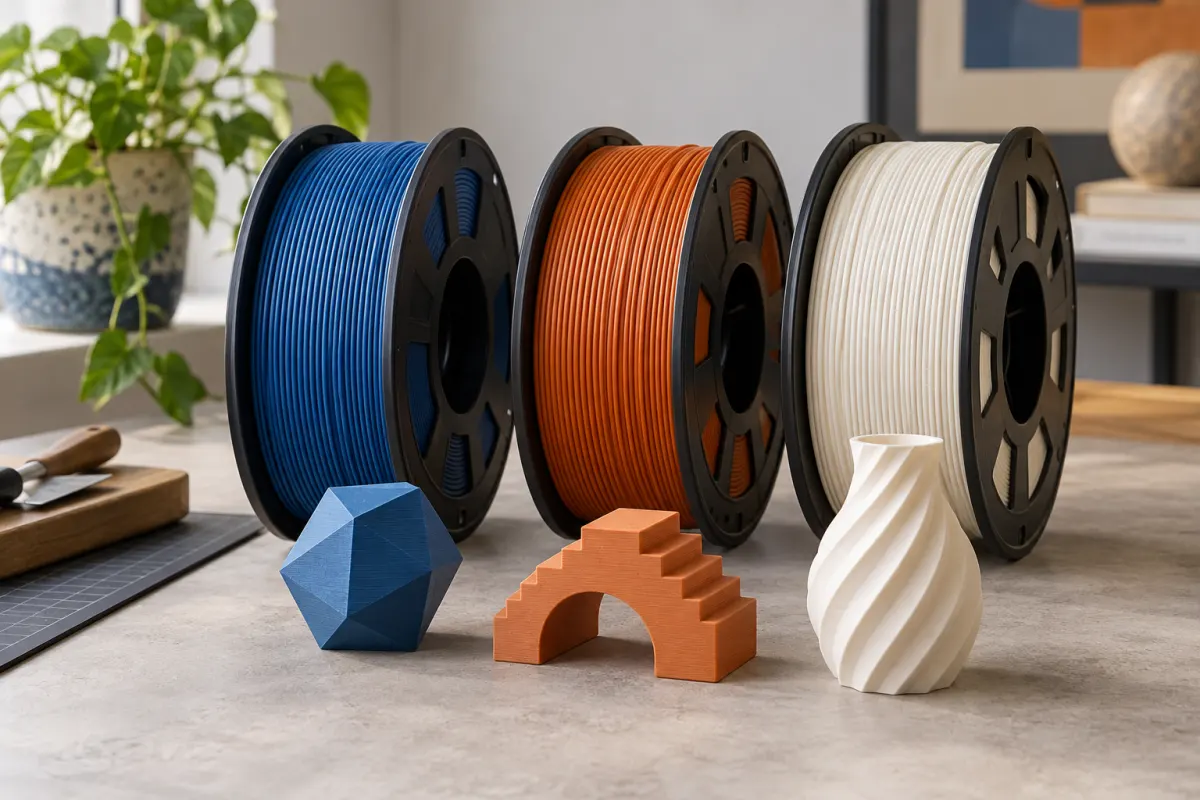
Read past the large PLA+ label
A store may describe its modified PLA as plus, pro, tough, or high speed. Treat the full product name as the unit of comparison. Polymaker’s PLA Pro page, for example, emphasizes impact resistance and printing performance. SUNLU’s PLA+ technical sheet publishes separate mechanical and thermal properties for its own formulation. Those documents do not establish a universal specification shared by products with similar names.
Check that the technical sheet actually matches the current spool, including any “2.0,” “high speed,” or other suffix. A review of an older formulation is not automatically a review of the product in your cart. Save the sheet or its version number with your material notes.
Translate “stronger” into the property you need
| Your problem | Useful information | What it does not establish |
|---|---|---|
| A thin part bends too easily | Stiffness or modulus; geometry | Impact resistance |
| A part cracks when knocked | Impact test and test method | A safe load for your printed design |
| Layers separate | Data by print orientation and a matching process | Performance in every orientation |
| A part softens near heat | Thermal data and test conditions | A universal continuous-use temperature |
| Printing takes too long | Supported profiles and flow-related guidance | The time for your specific sliced job |
Two headline numbers are only comparable when their methods and conditions are sufficiently alike. Check units, specimen orientation, whether the impact specimen was notched, and whether the material was printed or molded. If the information is missing, describe the comparison as incomplete rather than filling the gap with an assumption.
A worked example of reading a data sheet
SUNLU's version A/1 PLA+ sheet labels a tensile result as X–Y and lists different impact-test entries with their specimen details. It also reports heat-distortion testing at a specified load. Those labels are part of the result; they should travel with the number whenever you compare products.
Suppose you want an indoor clip to survive occasional knocks. First compare impact information under compatible tests. Then look at stiffness and the geometry of the clip: a formulation that takes a knock better can still feel different when flexed. Finally, print a small, noncritical sample of your actual feature.
Do not convert a specimen's laboratory strength directly into a safe working load for your clip. The data helps shortlist a material; it does not certify the finished object or compensate for an unsuitable design.
Do not read heat resistance into the plus sign
Prusa’s PLA guide identifies limited temperature resistance as a reason to be cautious about ordinary PLA applications. A modified PLA may address that limitation, another limitation, or both. Look for an explicit thermal claim and its testing conditions before placing a part near heat.
Separate printing temperature, drying temperature, melting temperature, and the temperature at which a part loses useful stiffness. They describe different things. A hotter nozzle recommendation does not by itself mean the finished part will tolerate a hot car.
If an advertised result requires annealing or other treatment, establish what the maker specifies and how that affects dimensions before planning fitted parts. For a broader material choice, see PLA versus PETG. Neither family name replaces the actual requirements of your project.
Try the new formulation as one controlled change
- Keep a successful PLA project as a reference and choose a small version or test feature.
- Check the new filament's diameter, profile, build-surface advice, and storage instructions.
- Select a compatible manufacturer profile or use its guidance to establish a starting point for your exact printer.
- Print and record fit, finish, support removal, and the behavior that motivated the change.
- Save the result under the full grade name so it does not overwrite your earlier PLA baseline.
A successful decorative sample only establishes that the workflow printed that sample. For a functional object, evaluate the feature in the intended orientation and ordinary, noncritical use. A changed filament is not a reason to skip inspecting the sliced walls or layer direction.
Decide whether the premium solves your problem
Use standard PLA when it already meets the job and you have a reliable profile. Consider a documented modified grade when the existing material has a specific shortcoming. Choose by the evidence available, not a ranking that places every “plus” above every ordinary PLA.
For a purely illustrative price comparison, a 100 g job uses $2 of filament from a $20/kg spool and $3 from a $30/kg spool. That $1 difference says nothing about whether either print succeeds. Enter your actual spool price and sliced usage in the cost calculator, then account for discarded attempts separately.
If appearance is the main requirement, our silk, matte, and standard PLA guide is the more useful next comparison. If the roll does not feed correctly, check filament and spool compatibility before blaming its mechanical formulation.
Sources & further reading
- Polymaker: PLA Pro product and technical information
- SUNLU: PLA+ technical data sheet, version A/1
- Prusa: PLA material guide
Manufacturer guidance can change. Check the instructions for your exact printer, build surface, and filament.