Rough surfaces, bubbling, and an unexplained increase in stringing can justify checking for moisture, but none proves that a spool is wet. Confirm the profile and feed path, then compare a saved print before and after the filament maker's supported drying procedure.
This guide helps diagnose a filament-printing problem. It is not a moisture-content test, a universal drying recipe, or a claim that drying can recover every damaged spool. Equipment selection is covered separately in our dryer versus dry box guide.
Read symptoms as clues
Prusa lists poor surface quality, blobs, bubbling, and weak layer adhesion among possible effects of absorbed moisture. Those symptoms overlap with other printing problems. Observe the pattern before deciding on the cause.
| Observation | Moisture hypothesis | Check alongside it |
|---|---|---|
| More strings than earlier prints from this spool | Worth investigating | Imported settings, nozzle residue, and temperature |
| Bubbles or an unusually rough extruded surface | Supports a moisture investigation | Exact material profile and recent hardware changes |
| Thin lines, missing sections, or interrupted extrusion | Not enough evidence by itself | Spool snagging, feed resistance, or a restriction |
| Only the first layer fails | Start with the bed and profile | Surface preparation and first-layer setup |
| A filament sample snaps when bent | Not a reliable stand-alone diagnosis | Formulation, age, and handling history |
If plastic gathers around the hotend, feeding stops, or the printer reports a fault, stop and follow the printer's troubleshooting instructions. Do not keep printing just to collect a longer sample.
Save a baseline you can repeat
Choose a short print that actually displays the problem. Save the project, printer and nozzle selection, filament profile, and orientation. Photograph the result under ordinary, repeatable lighting. Note whether the defect appears everywhere, only after a travel move, or only at a specific height.
Record the spool's brand, grade, color, and how it has been stored. An unknown exposure history is useful context, but “it was open for a week” is not a universal moisture measurement. Two rooms and two materials can behave differently.
Keep observations separate from explanations: “fine threads appeared between these two posts” is a record; “the spool is definitely wet” is a conclusion you have not yet established. This separation prevents a guess from becoming the premise of every later adjustment.
Check the easy alternatives first
Confirm that the slicer matches the installed nozzle, printer, and actual material. Review changes made since the last successful print. A different filament grade deserves its own profile check even when the packaging has the same large PLA or PETG label.
Prusa’s stringing reference also points to excessive printing temperature, retraction settings, and material left on the nozzle. For PETG, our stringing workflow puts these checks in a useful order. Do not copy retraction distances from unrelated extruder designs.
For interrupted extrusion, inspect the accessible spool and feed route using your machine's instructions. Prusa’s under-extrusion guide covers multiple profile and hardware causes. A tangle or restriction will not be fixed by drying. If the trouble is at the bed, start with first-layer troubleshooting instead.
Run a controlled drying comparison
- Identify the procedure. Obtain the exact filament maker's drying instructions and check the spool's heat limit.
- Check the equipment. Use a suitable filament dryer that supports the required process; follow its ventilation, loading, and cycle instructions.
- Record the treatment. Note the product, selected temperature or mode, duration, and any interruption.
- Repeat the saved job. Keep the print profile, model, and orientation unchanged.
- Compare the whole result. Check surface, stringing, extrusion continuity, and the feature you need the part to perform.
A different known-good spool can also help isolate the issue. Record that it is a different spool, though: changing brand, color, or formulation introduces differences beyond moisture. A before-and-after comparison on the original spool answers a narrower question.
Interpret improvement without overclaiming
Clear improvement: the supported drying treatment appears useful for this spool and setup. Repeat once if the result matters before changing your routine for every material. No improvement: return to the saved baseline and investigate the next plausible cause. Mixed result: a cleaner surface with gaps or weak features is not a complete fix.
This is a practical troubleshooting comparison, not a laboratory measurement of absorbed water or part strength. It cannot establish that a finished part is suitable for a critical load. It also cannot separate every effect of handling, reloading, and drying.
Avoid escalating temperature or running repeated, longer cycles simply because the first attempt was inconclusive. Return to the maker's limits or contact support with the test record.
Keep a short record for the next problem
Use the print log to save five things: the visible defect, original settings, drying procedure, unchanged repeat print, and conclusion. Attach filenames for both photos. Next time, you can compare with the same spool's history rather than a photo of somebody else's printer.
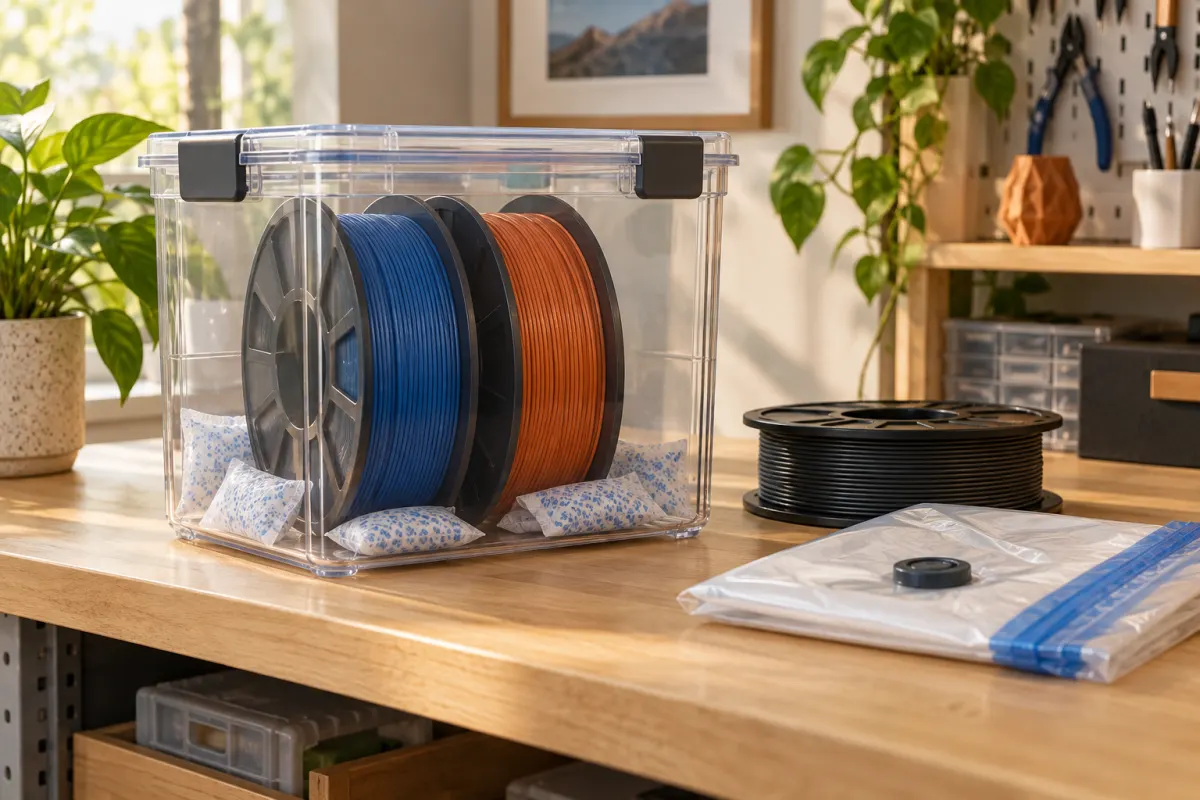
After the test, protect the spool according to its storage instructions. Polymaker’s PolyBox manual calls for dried filament before storage and maintaining the enclosure and desiccant. A storage display that looks good does not retroactively prove the original spool was dry.
The most useful outcome is a repeatable print and a clearer diagnosis. If drying changes nothing, that is still valuable information: move on to the profile, feed system, or hardware check instead of buying another moisture accessory.
Sources & further reading
- Prusa: drying filament and Prusament spool limits
- Prusa: stringing and oozing
- Prusa: under-extrusion
- Polymaker: PolyBox operating manual
Manufacturer guidance can change. Check the instructions for your exact printer, build surface, and filament.