Check the box before buying: your printer may already include the drivers, hex keys, and maintenance tools it needs. Start with the manual and add tools when you have a clear job for them.
A drawer full of accessories will not fix an incorrect printer profile. A small, organized kit is easier to learn with and can be expanded as your projects become more demanding.
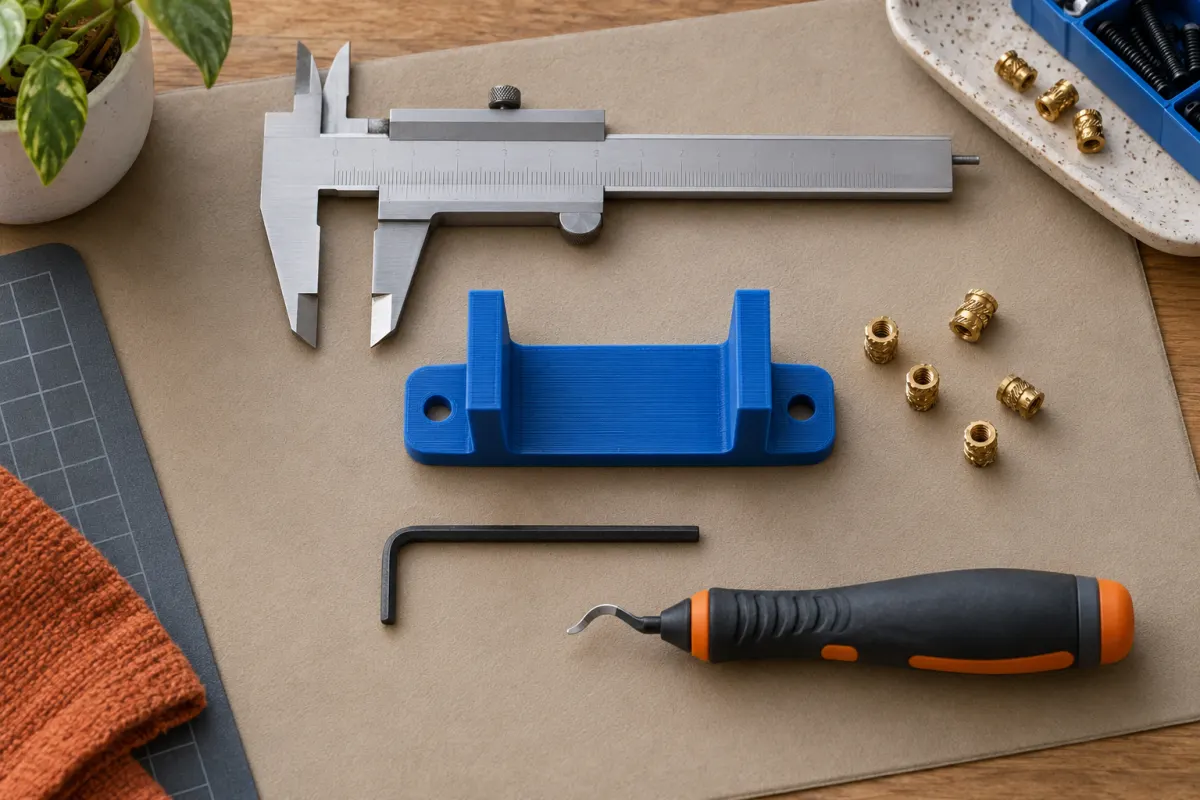
What to have for your first print
Start with a compatible spool of filament and the basic tools named in the printer's setup instructions. Confirm the filament diameter and material supported by the machine. PLA is often a convenient starting point, but use the manufacturer's guidance.
Have the cleaning supplies approved for the exact build surface. Different surfaces have different care instructions, so a generic “3D printer cleaning kit” may include products that are unsuitable for yours. Follow any specified safety precautions for cleaning agents.
Keep a small container for removed fasteners and a place to record maintenance and settings. Both make it easier to repeat a successful setup.
Use the tools specified for maintenance
Hex keys, drivers, and pliers are useful when they match the fasteners and procedures on your machine. Using the wrong size or excessive force can damage parts. Consult the manual before tightening belts, lubricating components, or replacing a nozzle.
A spare component is only helpful if it is compatible. Check the part number, nozzle system, and installation procedure before ordering. Wait until you understand the printer's ordinary maintenance needs before buying a broad assortment of replacements.
Add a caliper when fit matters
A digital caliper is useful for measuring an existing object, checking a slot, or designing a part that needs to fit another part. It is not required to print your first downloaded model.
Measure the same feature more than once and decide where the surfaces should contact. A printed dimension can differ from the model because of design clearance, print orientation, material behavior, or calibration. One measurement does not tell you which of those is responsible.
For a fitted design, print a small test section before committing to the whole object. That often saves more material than chasing a nominal dimension across a large part.
Buy finishing tools for a specific task
Support removal, trimming, and smoothing may call for different tools. Begin with the printer or model maker's recommended removal method. A model designed to print without supports can avoid much of this work.
If using cutters or a deburring tool, secure the part and keep the cutting path away from your hands. Small fragments can fly during removal, so use appropriate eye protection. Avoid forcing sharp tools under a stuck print; let the plate cool and use the surface maker's removal instructions.
Store filament before upgrading everything
Keep spools clean and stored according to the filament maker's instructions. A resealable container with suitable desiccant may be useful for storage, but it is not equivalent to actively drying an already damp spool.
Purchase a dryer only when your materials and use justify one. Check its supported temperatures, spool compatibility, and operating instructions. Follow the filament maker's drying guidance rather than assuming the hottest setting is best.
What can usually wait
Large accessory bundles, exotic nozzle sizes, and extensive modification kits are rarely prerequisites for a first successful print. Establish a working baseline before modifying the machine.
Keep a short list of problems you repeatedly encounter. Buy a tool when it solves one of those problems and when you understand how to use it. Our first-print guide and first-layer checklist are good places to start before buying a fix.
Match each purchase to a job
| Job | Useful item | Check first |
|---|---|---|
| Prepare the plate | Surface-approved cleaning supplies | The exact plate's care instructions; cleaning products are not interchangeable. |
| Design a fitted organizer | Caliper | Which dimensions matter and whether a small fit test will answer the question. |
| Perform scheduled maintenance | Correct driver or hex key | Included tools, fastener size, and the manufacturer's procedure. |
| Remove supports | Suitable cutters or pliers | Whether a different orientation avoids supports, and how to hold the part safely. |
| Repeat a successful print | Saved slicer project and print log | No purchase needed: record the material, settings, and outcome. |
Download the free print log (CSV) and use the notes column for the problem a proposed purchase would solve. If the problem has happened only once, a second controlled attempt may be more informative than another accessory.
For an overall budget, read what a 3D print costs. Consumable tools and maintenance belong in your ownership budget even when you do not assign them to each small print.
Sources & further reading
- Prusa: example included tools and setup
- Prusa: print surface preparation
- Prusa: example measurement and maintenance procedure
Manufacturer guidance can change. Check the instructions for your exact printer, build surface, and filament.